English
11
●
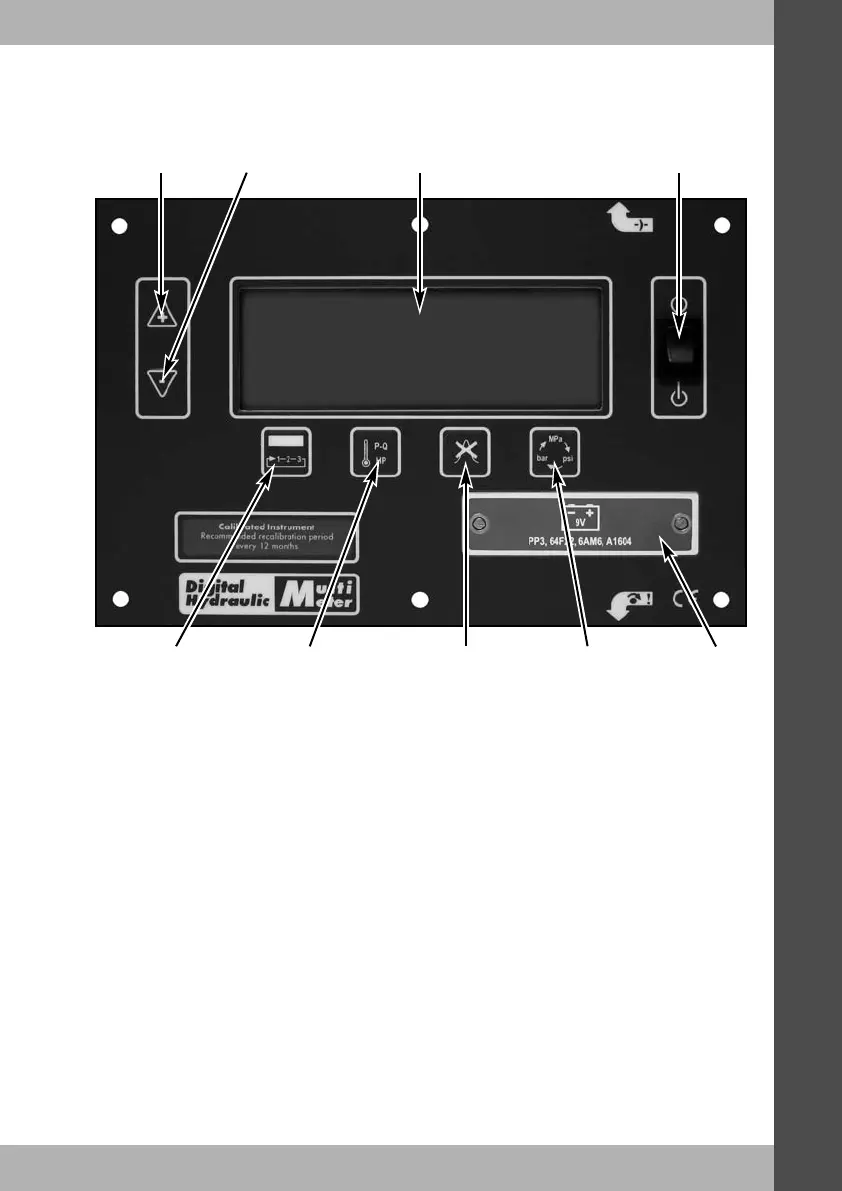
Digital display - Large digital display. Automatically turns off if the unit is unused for more
than 20 minutes.
●
Contrast up - Press & hold to make the screen text darker and easier to read in different
light conditions.
●
Contrast down - Press & hold to make the screen text lighter.
●
On/Off switch - Turn power to the unit ON or OFF with this switch.
●
Toggle screen - This button toggles through the three display screens.
●
Toggle: temperature, power, P-Q - Pressing this button will change the bottom line of the
display from temperature to power. This button is also used when setting-up for efficiency
on screen 3.
●
Clear peak - Press to clear the peak pressure value
●
Toggle pressure and power units - Toggles through a selection of engineering units for
pressure and the corresponding power units.
●
Battery cover - Remove this to replace the battery.
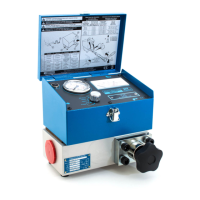
Bi-Directional Loading Valve
The reverse flow valve gives positive shut-off and pressure control in both directions of flow.The
loading valve has two easily replaceable safety discs located in the valve assembly which
internally protect the tester and machine in both flow directions.
DHM 3 Series Digital Hydraulic Multimeter
Digital
display
Contrast
up
Contrast
down
On/Off
switch
Toggle
screen
Clear
peak
Toggle:
temperature,
power, P-Q
Toggle
pressure and
power units
Battery
cover


 To Next Page
 Loading...