21
Input calibration procedure
When the
display shows
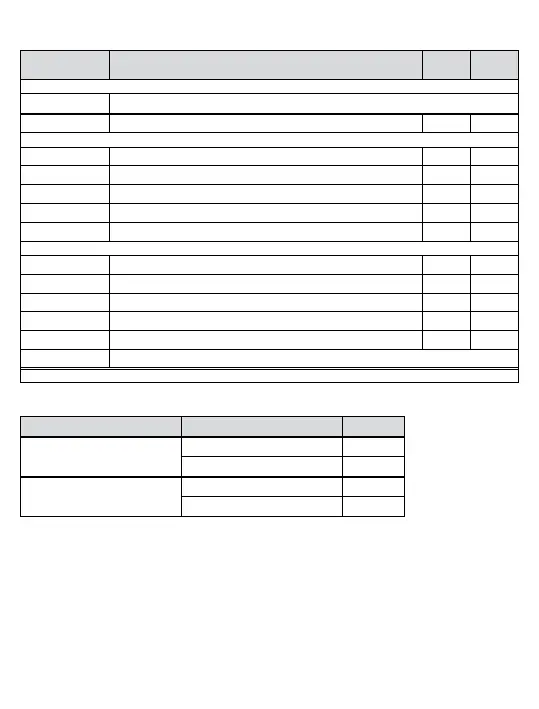
Action/Description ENT
ï
Put the instrument in setup mode and scroll through the main menu
CIPn
Press Å or ì
CIPy
Calibrate inputs? Start No
Connect the current source to the inputs (for connections see over page).
I=0
Set the current source to 0.00 mA Calibrate Skip
I=5
Set the current source to 5.00 mA Calibrate Skip
I=10
Set the current source to 10.00 mA Calibrate Skip
I=20
Set the current source to 20.00 mA Calibrate Skip
I=50
Set the current source to 50.00 mA Calibrate Skip
After the display stops flashing connect the voltage source (for connections see over page).
E=0
Set the Voltage source to 0.00 V Calibrate Skip
E=5
Set the Voltage source to 5.00 V Calibrate Skip
E=10
Set the Voltage source to 10.00 V Calibrate Skip
E=20
Set the Voltage source to 20.00 V Calibrate Skip
E=50
Set the Voltage source to 50.00 V Calibrate Skip
FnC=
Continue with the setup sequence.
Note: To discard changes to calibration and setup you can remove the power at this point.
Terminal Connections for output calibration
Calibration Stage Signal type Terminal
Analogue Current Output
mA output + 14
mA output − 15
Analogue Voltage Output
V output + 14
V output − 16


 To Next Page