62 | EN Ⓒ weinor GmbH & Co. KG
4.3 Power supply
The device is powered by two LR6 batteries (not rechargeable
batteries). Make sure to use two identical 1.5 V rated voltage
batteries. When the batteries are depleted, the device will
switchoautomatically.Weakbatteriesareindicatedonthe
battery indicator in the top area of the display (toolbar) next to
the channel number display.
Important:
When changing the batteries:
see Section 4.7, Changing the batteries.
4.4 Operating mode
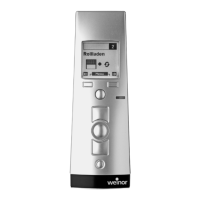
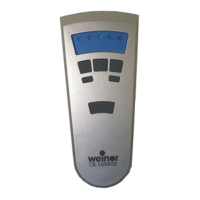
When the device is ready for operation, it will be found in
the display channel display.
When the buttons and/or joystick have not been engaged
formorethan2minutes,thedisplaywillbeswitchedo.
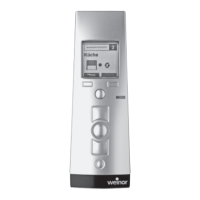
After the programming process for the transmitter channel
toareceiveriscomplete,aproduct-speciciconisdis-
playedinoperatingmodewithapredenedtexteld.The
display contains the icons as described in Section 4.4.1.
The symbols for the driving status and the automatic or
manual operation of the receiver can be found to the right
of the assigned product icon.
At the bottom line of the display, the two soft key buttons
display the available functions depending on the corre-
sponding operating state.
BiEasy-15Mgo_weinor_BA_18112801_DE+EN_0218.indb 62 26.02.2018 13:50:46


 To Next Page
 Loading...