64 | EN Ⓒ weinor GmbH & Co. KG
Important:
Iftherearedierentproductsinonesinglechannelafter
a programming process, the product icon is displayed with
anadditionalreferencetothedierentproducts(product
combination).
This only applies if Settings - Product Selection “INTERNAL”
has been selected in the menu, as this is the only time that
the product type returned by the programmed receiver is
displayed.
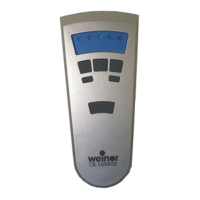
4.4.1 Symbols in the device display
Icons in the toolbar
Battery indicator (low battery capacity)
Tab. 4 Icons in the display toolbar
Symbolsintheproducteld
Roller shutters
Interior shading
BiEasy-15Mgo_weinor_BA_18112801_DE+EN_0218.indb 64 26.02.2018 13:50:46


 To Next Page
 Loading...