72 | EN Ⓒ weinor GmbH & Co. KG
Important:
If the device is in menu mode and the buttons have not
been pressed for longer than 30 seconds, the operating
state is changed in the operating mode.
4.5.1 Menu lettering
It is possible to specify an individual designation in two text
eldsforeveryprogrammedchannel,eachwithamaximum
of 15 characters.
4.5.2 Menu language
You can select the language for the menu texts from a list.
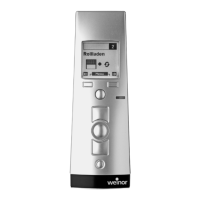
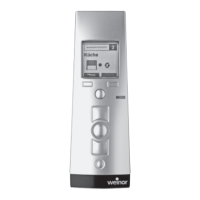
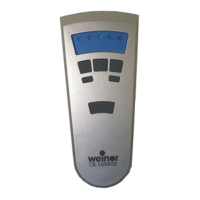
Display language for the BiEasy 15M Go! display
German English French
Italian Spanish Portuguese
Dutch Swedish Danish
Polish Hungarian Czech
Slovenian Turkish
Tab. 10 Available display languages for BiEasy 15M Go!
• Menu button “Save”
4.5.3 Menu lighting
Youcanturnthedisplaybacklightonoro.Ifthedisplay
lighting is switched on, it is automatically deactivated after
10 seconds if no key has been pressed. The lighting is set
to active in the factory settings.
BiEasy-15Mgo_weinor_BA_18112801_DE+EN_0218.indb 72 26.02.2018 13:50:47


 To Next Page
 Loading...