15
NOTE: THIS FIRMWARE UPDATE PROCEDURE REQUIRES A LAPTOP/PC WITH WINDOWS 10 AND A USB
TYPE A TO B CABLE.
Firmware Upgrade Process
1. Obtain the required firmware file (exe file) from Welch Allyn.
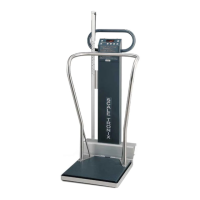
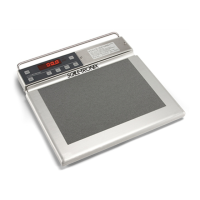
2. Record the serial number of the Scale.
3. With the Scale powered OFF, connect the scale to the laptop/PC with a USB Type A to B cable. Check
that the Scale is being detected by the laptop/PC in Device Manager as “USB Serial Device” (Refer to
below image). (Note: If this is the first time the Scale is plugged into the laptop/PC, the driver will be
automatically installed.). The port number may or may not be COM9.
4. Double click on the exe file. A dialog box will appear (Refer to below image)
5. Click on the “Start” button shown in dialog box. Select the COM PORT to which the Scale is
connected. (Refer to image below as an example).
6. Click “Ok”. The following dialog box will appear.



 To Next Page
 Loading...