Service manual Disassembly procedure 71
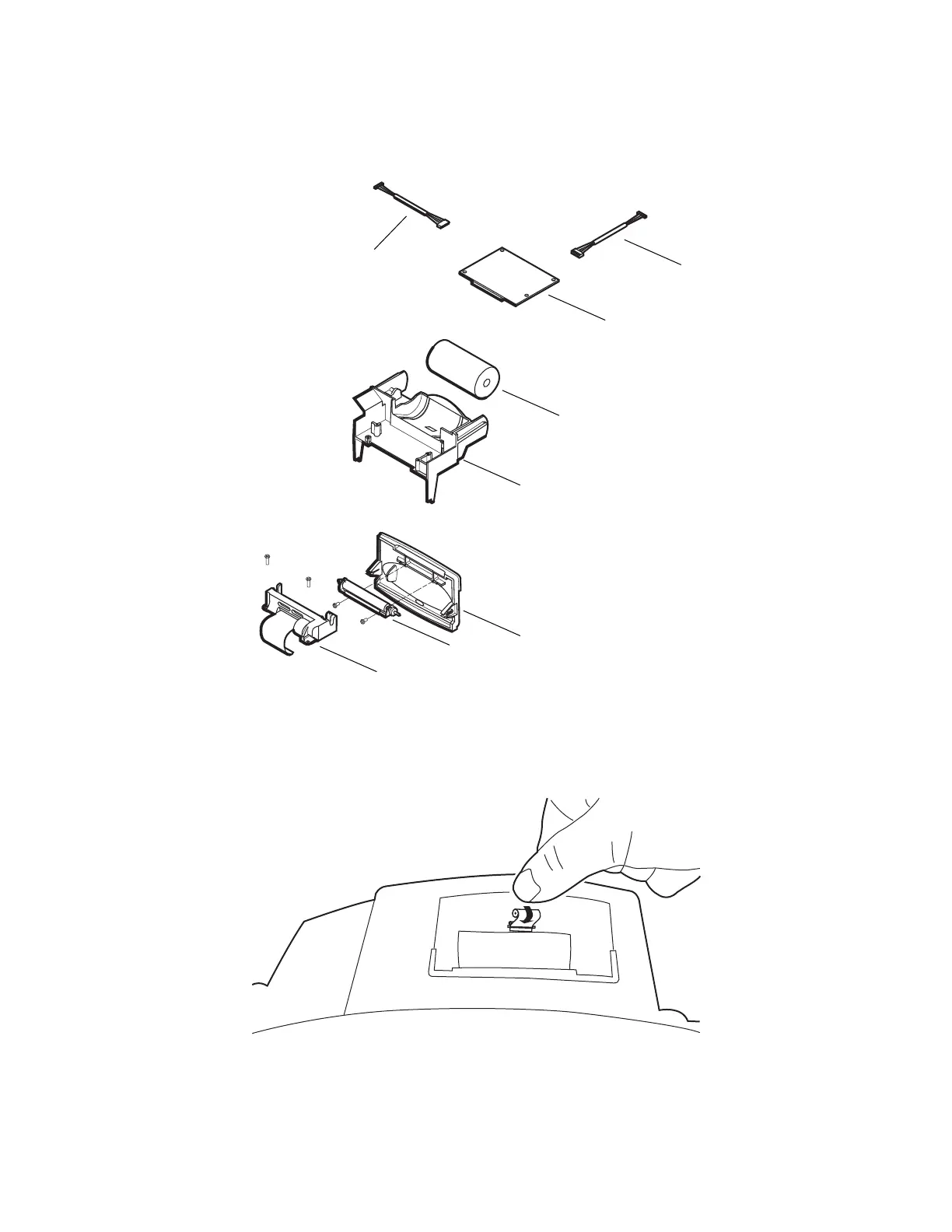
Remove and disassemble the printer assembly
1. Remove the printer door.
a. Open the printer door and remove the roll of printer paper.
b. Push the printer door toward the rear of the monitor until it snaps out of the two
support spindles on the printer frame.
Data cable
Printer PCB
Printer paper
Printer frame
Printer door
Roller
Printer mechanism
Power cable



 To Next Page
 Loading...


