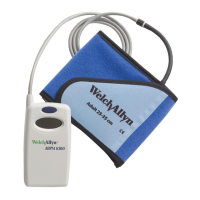
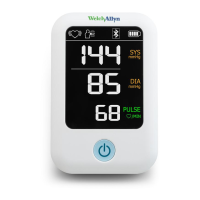
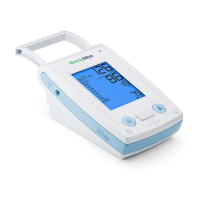
10 - Product description
PC Interface Cable Port
The connecting port for the PC interface cable is located at the bottom of the ABPM 7100 casing.
The red dot on the plug must align with the red dot on the port before plugging.
To disconnect, pull on the knurled ring of the connector.
Connecting the ABPM 7100 to the PC
To transfer the data from the ABPM 7100, ensure that the interface cable is connected correctly to an USB
port on the PC and to the interface cable port on the device.
Technical Data
Measurement pressure range:
Systolic 60 to 290 mmHg
Diastolic 30 to 195 mmHg
+/- 3 mmHg in display range
30 to 240 beats per minute
0, 1, 2, 3, 4, 5, 6, 10, 12, 15, 20 or 30 measurements per hour
4 adjustable interval groups
-25°C to +70°C and 15% to 93% humidity
approx. 220 g excluding batteries
2 Ni-MH batteries with 1,2 V each and min. 1500 mAh (AA, Mignon) or
2 Alkali 1,5 V batteries (AA, Mignon, LR6)
USB-Interface cable
Bluetooth® (Class 1 / 100 m and max. 100 mW with 2,402 GHz to
2,480 GHz) only available with optional HMS software
Expected operational device life:
Expected operational cuff life:



 To Next Page
 Loading...