14 Introduction Welch Allyn AED 10 Automatic External Defibrillator
Display
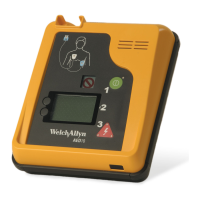
Text prompts, patient data, and event information display on the liquid crystal display
(LCD) screen. The display is a backlit monochrome liquid crystal display (LCD) measuring
160 x 100 pixels. The display is divided into five functional areas. Operating information
and user instructions display in these areas.
Graphical screen icons provide system operational information. The Welch Allyn AED 10
operator or supervisor can use a simple menu-driven structure to set charge protocols and
system configurations, set system operating parameters such as display contrast, and
select the language used for text and voice.
Shocks Counter Displays the number of shocks administered to the current
patient.
Text Prompts Displays up to three lines of text (user instructions, directions for
patient care, error messages). See descriptions below.
Elapsed Time Displays the time elapsed since the system was powered ON, or
time used on current patient. The time format is HH:MM:SS.
Battery Level Displays battery status icons. See descriptions below.
Status Displays various system status prompts, such as Charging and
Energy Delivered.
AED10
Elapsed
Time
Battery
Level
Shocks
Counter
Text
Prompts
Status


 To Next Page
 Loading...