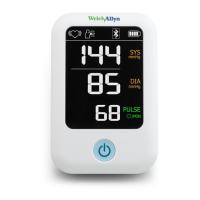
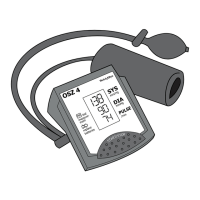
Directions for use 21
Bluetooth connectivity status
or data transmission error
Motion indicator
Motion may result in an
inaccurate measurement.
Reading out of range
Either SYS > 260mmHg or
DIA > 220mmHg. The symbol
may appear in either the SYS
or DIA area of the screen.
Alarm priority = Low (an!
appears near the top of the
screen)
Reading out of range
Either SYS < 50mmHg or DIA
<25mmHg. The symbol may
appear in either the SYS or
DIA area of the screen.
Alarm priority = Low (an!
appears near the top of the
screen)
Symbol Description


 To Next Page
 Loading...