Touch OK.
10. Approach the patient from directly in front of the examined eyes and firmly
press the facecup of the RetinaVue 700 Imager against the patient's forehead
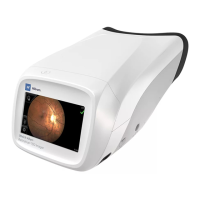
and nose. A message appears on the LCD touchscreen: "Getting ready to aim
and center camera" as the camera is entering the live preview mode.
11. Instruct the patient to look at the green fixation light inside the RetinaVue 700
Imager. A message appears on the LCD touchscreen: "Aim and center
camera" as the camera is entering the live preview mode.
Directions for use Using the RetinaVue 700 Imager 57


 To Next Page
 Loading...