Select or change a Multi-State clinic on the
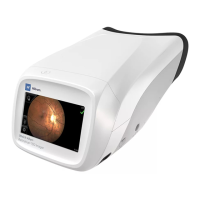
RetinaVue 700 Imager (wireless only)
1. Touch
(Navigation Menu) from the main Patients screen.
2. Touch Settings
3. Touch Clinic / States.
4. If multiple clinics are set up, use the drop-down menu to select the clinic you
would like to set up for Multi-State use.
5. Touch Multi-State. The switch changes from Off to On.
Directions for use Using the RetinaVue 700 Imager 67


 To Next Page
 Loading...