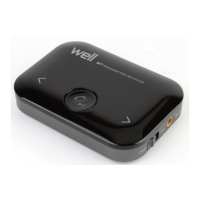
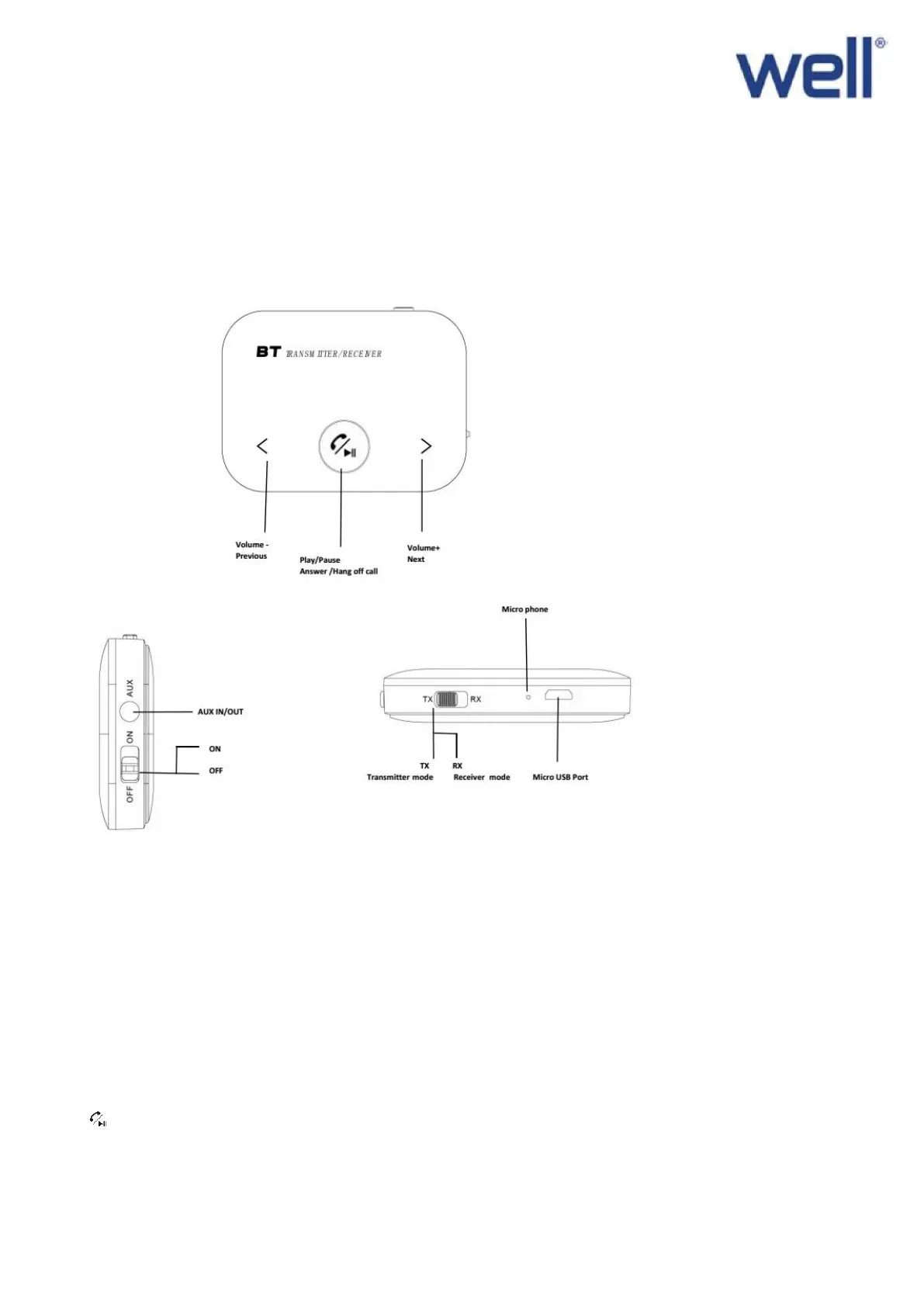
Appearance:
Operation Instructions
How to use the device:
1. Switch to “ON” or “OFF” to power on or power off the device.
2. Switch to “TX”(Transmitting mode), the product will search the available Bluetooth devices automatically and the LED light will
be flickering in white, when it success paired with the Bluetooth devices the LED light will keep in white. When switch to
“RX”(Receiving mode), the LED light will be flickering in blue, when it pair with the Bluetooth devices the LED light will keep in
blue .
3. The product will search the available Bluetooth devices automatically. If it can’t pair the Bluetooth devices in a long time, please
press to re-search the Bluetooth devices and reconnect.
4. The product will be power off automatically if there is no Bluetooth devices can be paired in 10 minutes, please slide the “ON
/OFF” switch to reopen the adapter.


 To Next Page
 Loading...