13
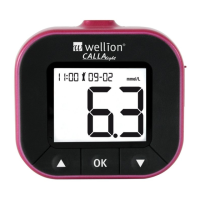
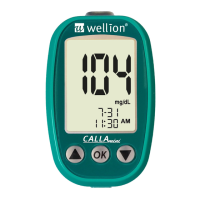
WELLION CALLA MINI
Setting the clock
Material you will need:
Your Wellion CALLA Mini Meter
Step 1: Press and hold the OK button to turn on the meter.
Step 2: Release the OK button and the meter will run a system check
automatically. “-” will appear on the display before entering the main
mode.
If an error message appears, please refer to chapter “solving problems”
NOTE:
t *GEBUFBOEUJNFPOUIF8FMMJPO$"--".JOJ.FUFSIBTOPUCFFOTFU
test or control results will not be stored in the meter memory.


 To Next Page