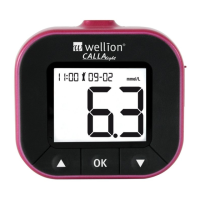
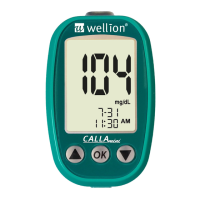
WELLION CALLA MINI
4UFQ4FU5JNFGPSNBUII5IFUJNFGPSNBUXJMMGMBTI6TFPS
XXX buttons to select the time format. Press the OK button to confirm your
choice and to advance to set the hour.
4UFQ4FU)PVS
The current hour will flash. Use or buttons to select the correct
hour. Press the OK button to confirm your choice and to advance to set the
minutes.
Step 8 - Set Minute:
The current minute will flash. Use or buttons to select the correct
NJOVUFT1SFTTUIF0,CVUUPOUPDPOGJSNZPVSDIPJDFBOEFYJUUJNFTFUVQ
Insert a test strip and begin testing, or turn off the meter by press and hold
UIF0,CVUUPOVOUJMUIFEJTQMBZTDSFFOTTIPXT0''


 To Next Page