17
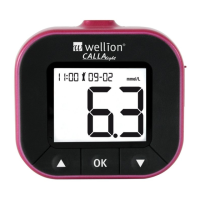
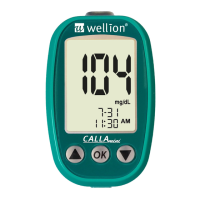
WELLION CALLA MINI
5VSOJOH0/0''UPOFTPVOE
The Wellion CALLA Mini Meter comes with tone ON as preset. Turning off
the tone will cause you to miss many important cues from your meter - such
as confirmation or error messages.
Material you will need: Your Wellion CALLA Mini Meter
Step 1: Scroll through the settings for the tone setting, press OK button to
enter tone set up. The tone icon will be visible and the current tone
status will appear on the LCD screen.
Step 2: Use or buttons to turn the tone on or off. Press the OK but-
ton to confirm your choice.
Insert a test strip and begin testing, or turn off the meter by press and hold
UIF0,CVUUPOVOUJMUIFEJTQMBZTDSFFOTTIPXT0''


 To Next Page