3
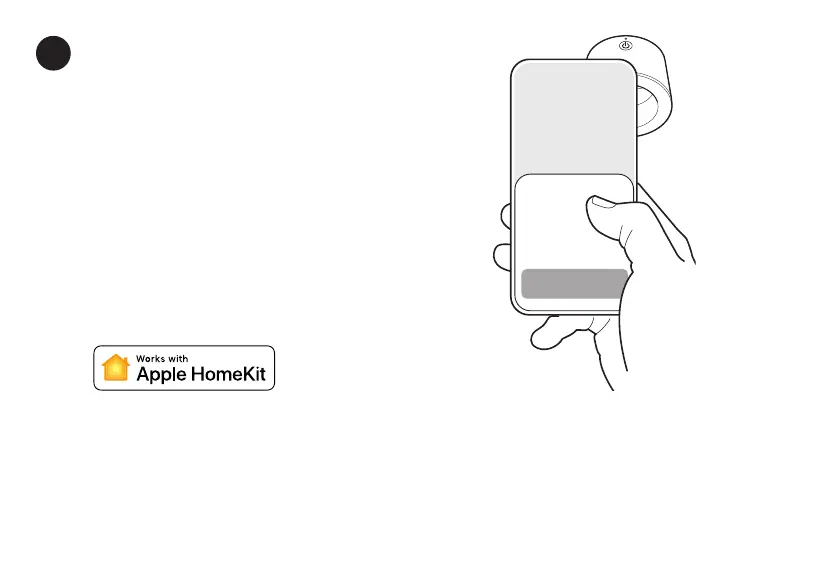
Hold the upper back of your phone
near the Wemo and follow the
prompts that appear.
Halten Sie die obere Rückseite Ihres
Smartphones in die Nähe des Wemo und
folgen Sie den angezeigten Anweisungen.
You may need to adjust the angle slightly for
the connection to work. Make sure your phone
is unlocked.
Sie müssen möglicherweise den Winkel leicht
anpassen, damit die Verbindung funktioniert.
Stellen Sie sicher, dass Ihr Smartphone
entsperrt ist.
Sehen Sie die Anweisungen zur Einrichtung nicht?
Don’t see setup prompts?
Fügen Sie ein neues Zubehör in der Apple Home-App hinzu (mit +) und geben Sie den
8-stelligen HomeKit-Einrichtungscode am Ende dieser Anleitung ein.
Add (+) a new accessory in the Apple Home app and manually enter the 8-digit HomeKit
setup code at the end of this guide.



 To Next Page