EasyManua.ls Logo

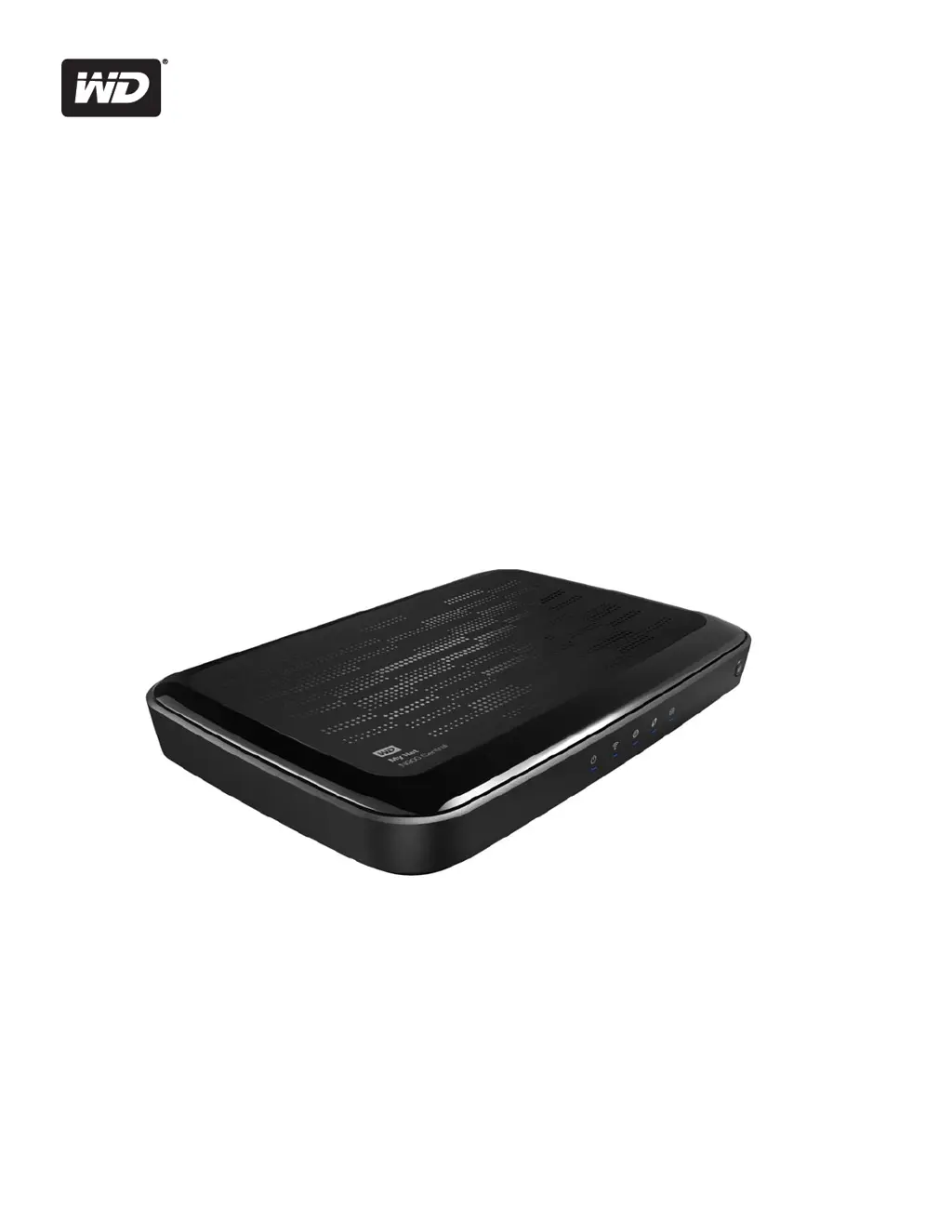
Western Digital My Net N900 Central - User Manual

Western Digital My Net N900 Central
97 pages
Print Icon
To Next Page IconTo Next Page
Loading...
My Net
™
N900 Central
HD Dual-Band Storage Router
User Manual

Table of Contents

Questions and Answers

  • A
    Ashley MartinezJul 31, 2025
    What to do if my computers are unable to access the Internet using Western Digital My Net N900 Central Wireless Router?
    • J
      James MartinezJul 31, 2025
      If your computers can't access the internet via your Western Digital Wireless Router, first ensure the router is powered on, with a solid (not flashing) power LED. Verify the cable connections between the modem, router, and computer, ensuring the Ethernet cable from the modem connects to the router's Internet port, and a cable connects your computer to a LAN port on the router. Power cycling your modem, router, and computer may also resolve the issue.
  • R
    rita76Aug 8, 2025
    How to fix Western Digital My Net N900 Central if the power LED does not illuminate?
    • M
      Michelle WilliamsAug 8, 2025
      If the power LED on your Western Digital Wireless Router isn't lighting up, make sure the power cord is properly connected to the router and that you're using the AC adapter that came with the router. Also, test the electrical outlet by plugging in another device to see if it works.
  • B
    Brenda HowardAug 15, 2025
    What to do if all front panel LEDs (except the internal storage LED) flash continuously on Western Digital Wireless Router?
    • C
      Charles RoachAug 15, 2025
      If all the front panel LEDs on your Western Digital Wireless Router (except the internal storage LED) are flashing continuously, try relocating the router to a place with better ventilation. If that doesn't work, turn off the router and let it cool down for 15 to 20 minutes before turning it back on.
  • H
    hrossAug 23, 2025
    Why is the port number LED not illuminating on my Western Digital Wireless Router?
    • A
      Amanda AllenAug 23, 2025
      If a port number LED on your Western Digital Wireless Router isn't lighting up, first ensure that the device connected to that port is powered on. Next, check that the Ethernet cable is securely connected to both the device and the router ports. If the problem persists, try replacing the Ethernet cable with a different one to ensure the cable isn't faulty.

Summary

Important User Information

Important Safety Instructions

Details safety precautions for installation, use, and servicing of the router to prevent electric shock or fire hazards.

Product Overview

Getting Started

Installing the Router on the Network

Explains two primary methods for installing the router: using the Setup CD or a web browser.

Basic Settings and Tasks

Connecting to the Internet

Guides users through the process of establishing an Internet connection and troubleshooting common connection issues.

Configuring Wireless Settings

Details how to set up and manage wireless network names (SSID), passwords, and security protocols.

Setting Up Storage

Explains how to configure the router's internal hard drive or attached USB storage as a network share.

Adding a Wi-Fi Device

Provides instructions for connecting new wireless devices to the router using WPS or manual network name/password entry.

Setting up Remote Access

Guides users on enabling and configuring remote access to router files and data via mobile apps or web.

Advanced Settings

Advanced WAN (Internet) Category

Covers detailed configuration of WAN/Internet connection settings, including IP addresses, DNS, and connection types.

Advanced LAN Category

Details advanced Local Area Network settings, including host configuration, subnet masks, and DHCP server setup.

Security Settings Category

Explains router security features like firewall rules, DMZ, MAC filtering, and parental controls.

Performing Advanced Tasks

Setting Up Parental Controls

Guides users on configuring parental controls to restrict website access, content, and usage times for network devices.

Accessing Files on the Router or an Attached USB Drive

Provides methods to access stored files on the router's internal drive or attached USB storage using WD Quick View or a browser.

Updating the Routers Firmware

Details the process for checking and installing new firmware versions for the router to improve functionality and performance.

Restoring the Router to Factory Defaults

Explains how to reset the router to its original factory settings via the user interface or the physical reset button.

Installing and Using WD Print Share

Troubleshooting

The power LED does not illuminate.

Provides a list of potential causes and solutions for when the router's power LED is not illuminated.

Computers are unable to access the Internet.

Offers troubleshooting steps for diagnosing and resolving issues preventing computers from accessing the Internet.

Western Digital My Net N900 Central Specifications

General IconGeneral
Ethernet LANYes
Cabling technology10/100/1000Base-T(X)
Networking standardsIEEE 802.11a, IEEE 802.11b, IEEE 802.11g, IEEE 802.11n
Ethernet LAN data rates100, 1000 Mbit/s
Ethernet LAN interface typeGigabit Ethernet
Wi-Fi standards802.11a, 802.11b, 802.11g
Channels quantity2 channels
Top Wi-Fi standardWi-Fi 4 (802.11n)
WLAN data transfer rate (max)450 Mbit/s
Bandwidth2.4 GHz
Cable length1.8 m
Rack mountingNo
Frequency band2.4 & 5 GHz
Power requirementsAC/DC
USB connector typeUSB Type-A
USB ports quantity1
Compatible operating systemsWindows 7, Windows Vista, Windows XP (SP3) Mac: Safari
RJ-11 ports quantity0
Ethernet LAN (RJ-45) ports4
DHCP client-
Firewall securityIPv6
Security algorithmsWPA, WPA2
SafetyCEEE
CertificationRoHS
Internal memory1024 MB
AC input voltage100 - 240 V
AC input frequency50 - 60 Hz
Storage temperature (T-T)-20 - 65 °C
Operating temperature (T-T)-5 - 40 °C
Product colorBlack
LED indicatorsLAN, Power, Status, 4
Cables includedLAN (RJ-45)
Weight and Dimensions IconWeight and Dimensions
Depth244 mm
Width170 mm
Height30 mm
Weight610 g

Related product manuals