INSTRUCTIONS
08
Cancel
Cancel
Sound
Sound
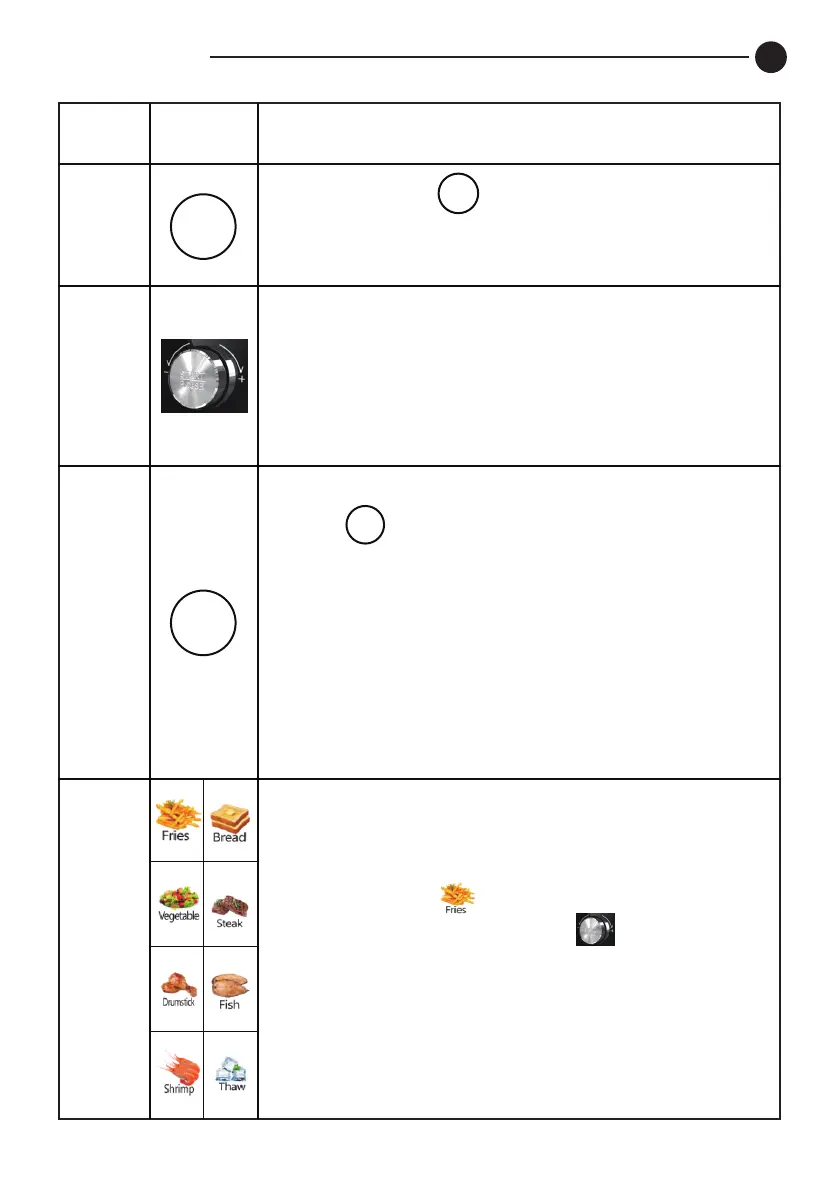
Plug in. Press . The air fryer will clear
all settings and go into standby. Display all
bright (Except for Active, Paused)
■Rotate the knob to switch eight menus.
Press it to start to Active
/ Paused state.
■Rotate the knob to adjust time &
temperature. Press it to confirm the set
time/temperature.
2
3
Plug in. The icon sound is on by default.
Press
to turn off / on the icon sound of
the air fryer at any state. The buzzer
cannot be turned off by default.
■One buzzer for power-on / Turn-off
(1 sound in 0.1 seconds)
■
Every time press a valid Icon in the open
state, the buzzer buzzes 1 sound
(1 sound in 0.1 seconds)
Plug in. Press . The fries Icon flashing
display. Directly press the to enter the
Active state. The other menu is the same
procedure.
4
5
ITEM ICON OPERATION INSTRUCTION


 To Next Page