
 Need help?
Do you have a question about the Whitestone DOME GLASS and is the answer not in the manual?
Checks before use, product condition, and user negligence policy.
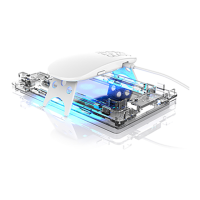
Listing and illustration of all parts included in the installation kit.
Cleaning the screen and removing dust.
Removing the back liner and positioning the film.
Attaching the film using a squeegee.
Removing bubbles and the front protective film.
Cleaning the device and removing dust.
Removing the back liner and positioning the film.
Attaching the film to the device using a squeegee.
Removing bubbles and the front protective film.
Applying films to the hinge and camera areas.
Advisories on bubbles, lifting, and user-induced damage.
Contact details and website for after-sales service.
 General
| Type | Screen Protector |
|---|---|
| Material | Tempered Glass |
| Hardness | 9H |
| Adhesive | Liquid Optically Clear Adhesive (LOCA) |
| Compatibility | Varies by model |
| Thickness | 0.33mm |
| Packaging Contents | LOCA Adhesive |
| Features | Full Coverage |

 To Next Page
