Settings on the unit:
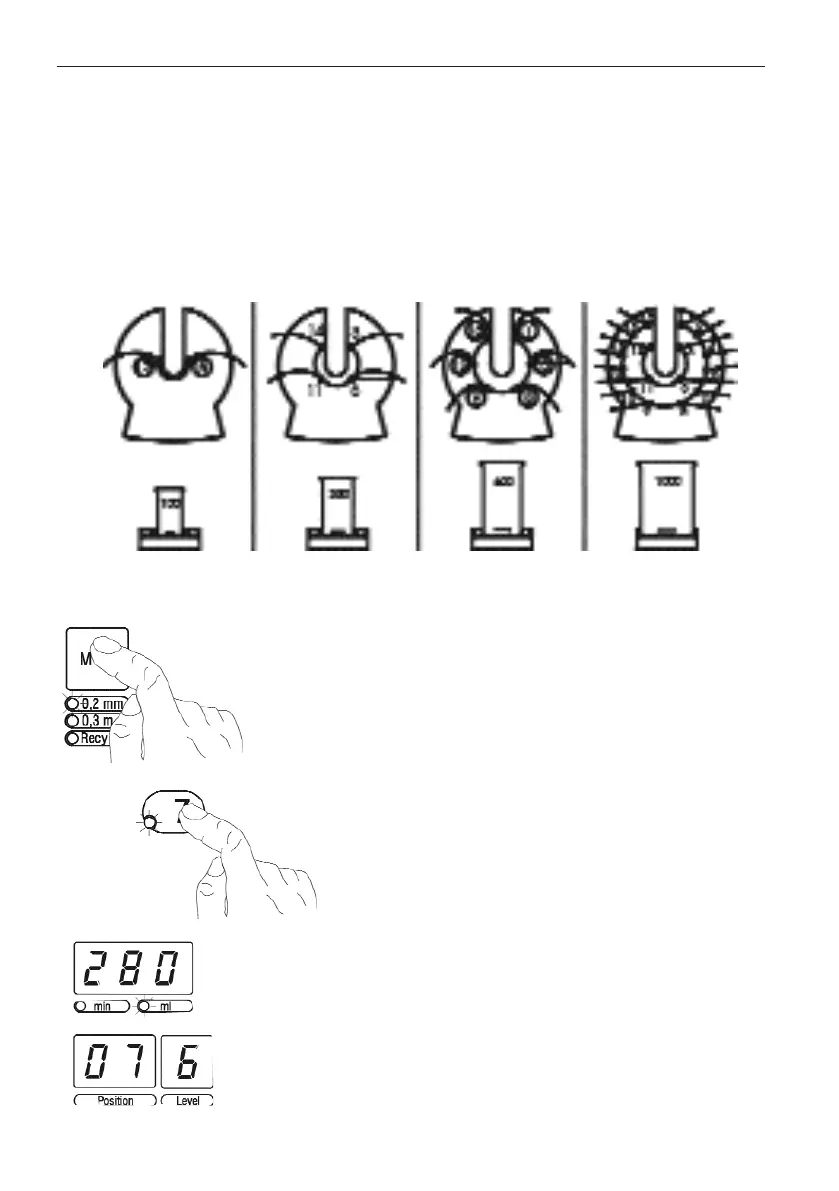
● Press the mode button to set the desired electrofor-
ming thickness:
Mode 1:
Electroforming thickness 0.2 mm
(operating time: 300 min)
Mode 2:
Electroforming thickness 0.3 mm
(operating time: 415 min)
● For each part, set the required power level with the
channel buttons next to the contacts.
The selected position with its power level setting is
indicated in the displays (Position and Level). The unit
computes the quantity of gold electrolyte required. This
is indicated in the display for gold electrolyte quantity
and remaining electroforming time (18). The contact
LED lights up to show every channel set.
The displays Position and Level disappear 30 seconds
after the last value is entered. The quantity of gold
electrolyte continues to be displayed until “Start” is
pressed.
22.. EElleeccttrrooffoorrmmiinngg ccooppiinnggss ffoorr ccrroowwnnss,, iinnllaayyss aanndd oonnllaayyss
12
Assembly:
Assemble electroforming head, distance piece and sili-
cone seal. Pull the copper rods through the appropriate
holes and arrange the parts as indicated by the arrow
(see assembly diagram).
Assembly diagram:


 To Next Page
 Loading...