You can get this game at www.wik.pl
SYSTEM SOFTWARE DESCRIPTION:
The machine is pre-set and ready to work.
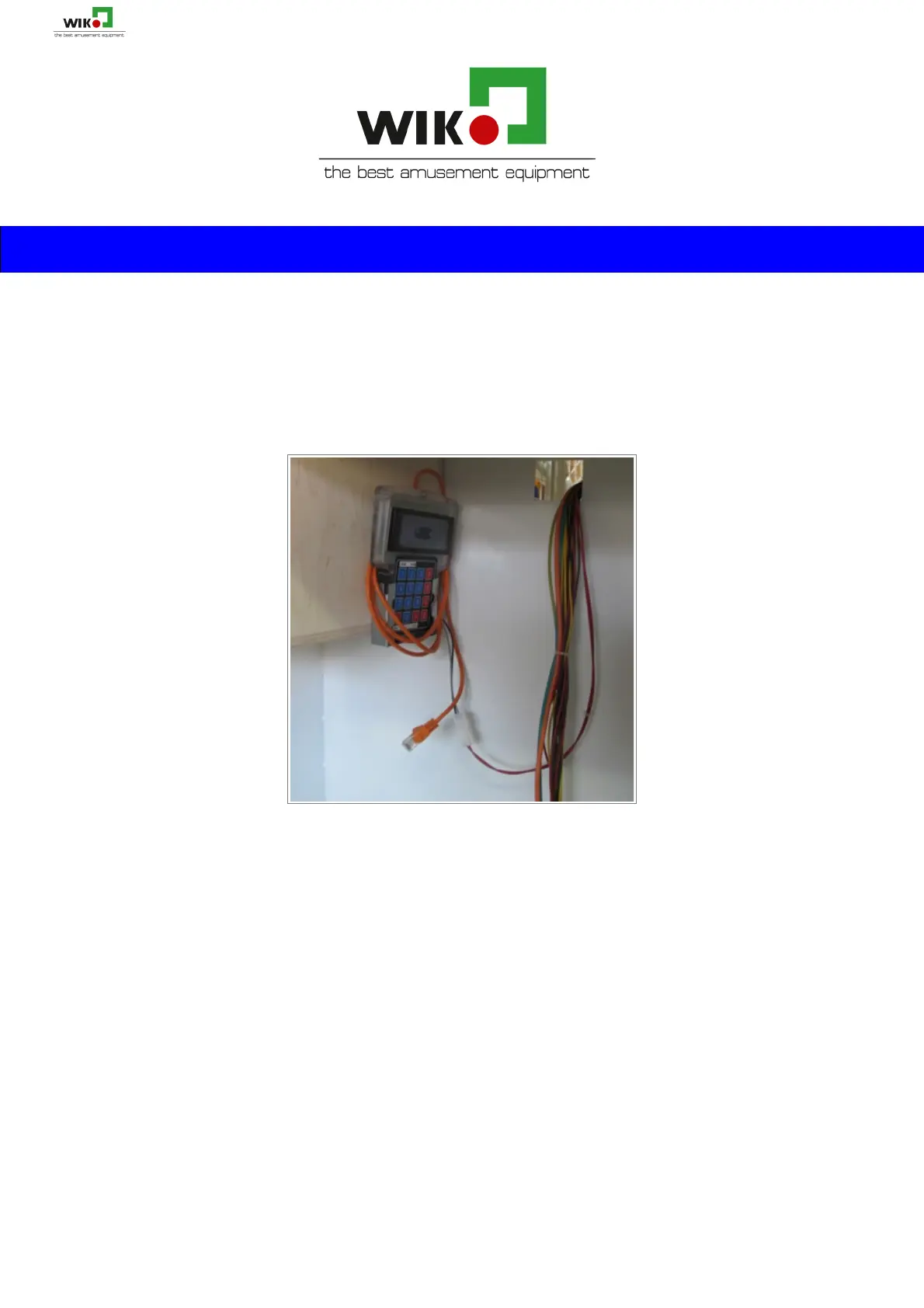
To change settings, open the metal door and take out the keyboard.
You can enter the menu by pressing A button for 5 seconds (you will see #’s
appear on the screen) until you are asked to enter the PIN code.
Enter factory default PIN code – 1111 (gives you access to the programming
menu).
Now you can move to the option you want to set (e.g. 01, 05, 17) by pressing
B (up) and C (down) buttons. To enter and change the option press # until the
lower line with the position you want to change starts blinking.
To change value use B and C or 0 – 9 numeric buttons. By pressing # you confirm the changes
and the new values of the chosen option – the number in the first line starts to blink.
Use buttons B and C if you want to go to another option. To confirm all changes and exit from
the programming menu press A button for 5 sec until “EXITING SETUP” appears on the score display.
Keyboard navigation listed below: (also found on the back of the keyboard)
KEYBOARD:
A – enter/exit to/from programming menu
B – navigating in the programming menu (up)
C – navigating in the programming menu (down)
# - entering and navigating in the submenu (bottom lines
with values you want to change)
D, * - exit (escape) from submenu
Możesz nabyć to urządzenie na www.wik.pl 17


 To Next Page
 Loading...