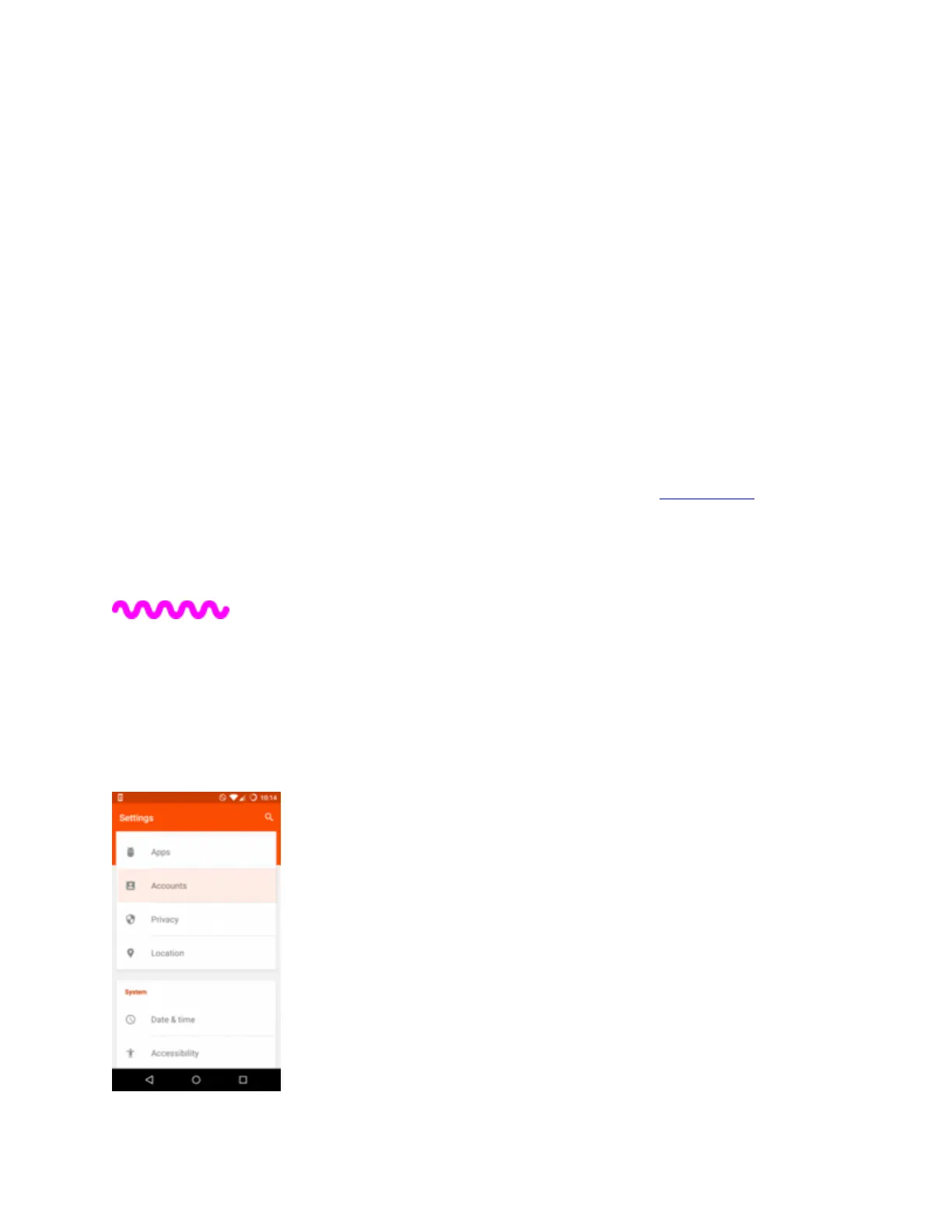
Tap Wi-Fi.
5.
Select the name of the Wi-Fi network you want to connect to.
6.
Type the wireless Password followed by Connect.
7.
The network name will turn blue and ‘Connected’ will show underneath.
When no Wi-Fi network is available, your phone should automatically connect to the internet
using your mobile data.
If you’re having problems connecting your phone to mobile internet, our APN Guides will help
you manually set it up.
5. Setting up new email accounts
You can send and receive emails from most providers on the Swift. These steps take you through
adding a new email account to the phone.


 To Next Page