1.
Swipe down from the top of the screen and open the Settings menu.
2.
Scroll down and select Accounts.
3.
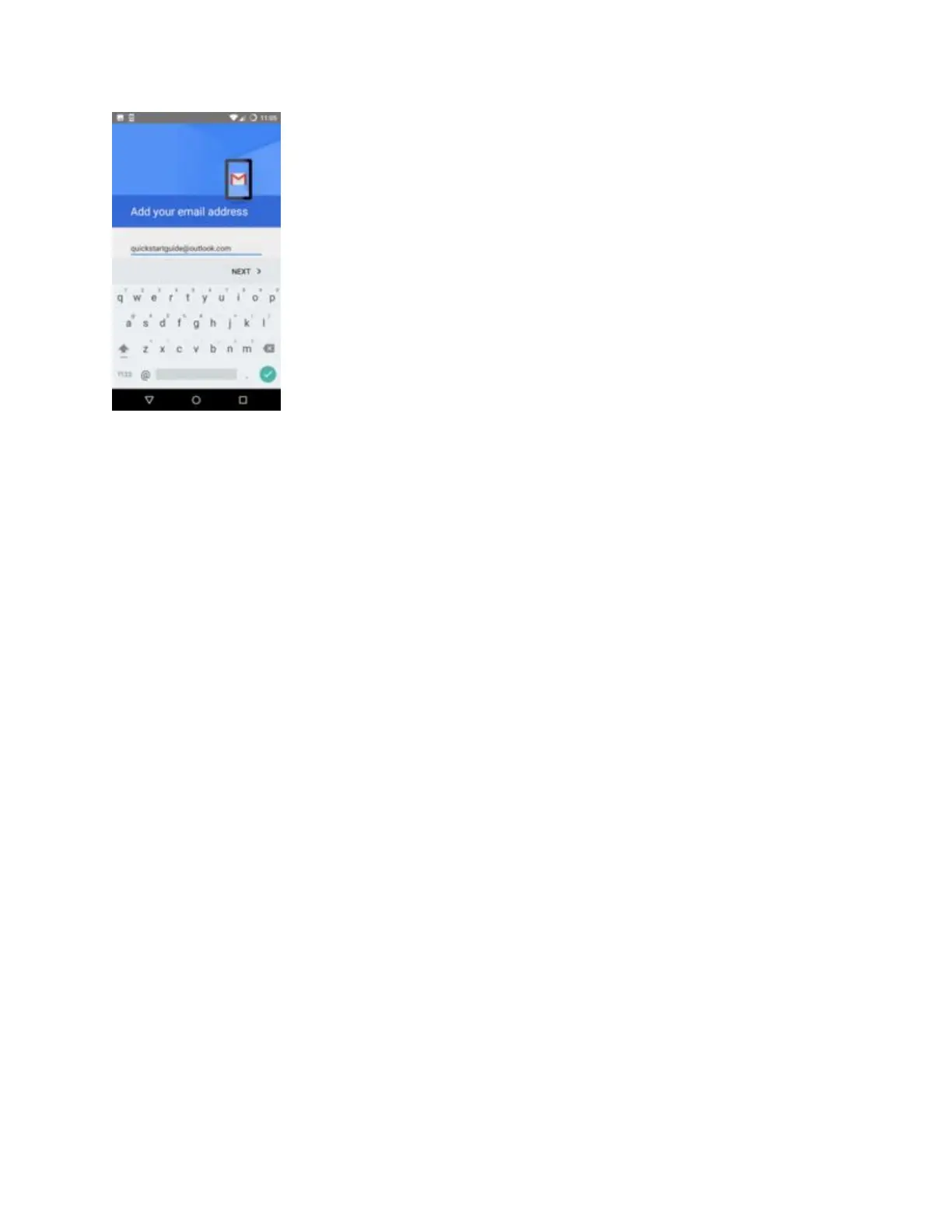
Below the list of active email accounts, tap Add account.
4.
If you’re setting up a work or education email account, select Microsoft Exchange. For personal
accounts, select IMAP (the ‘Pop’ option is for older accounts. If you set your email account up
over ten years ago, you might need to use this. Try ‘IMAP’ first though).


 To Next Page