5.
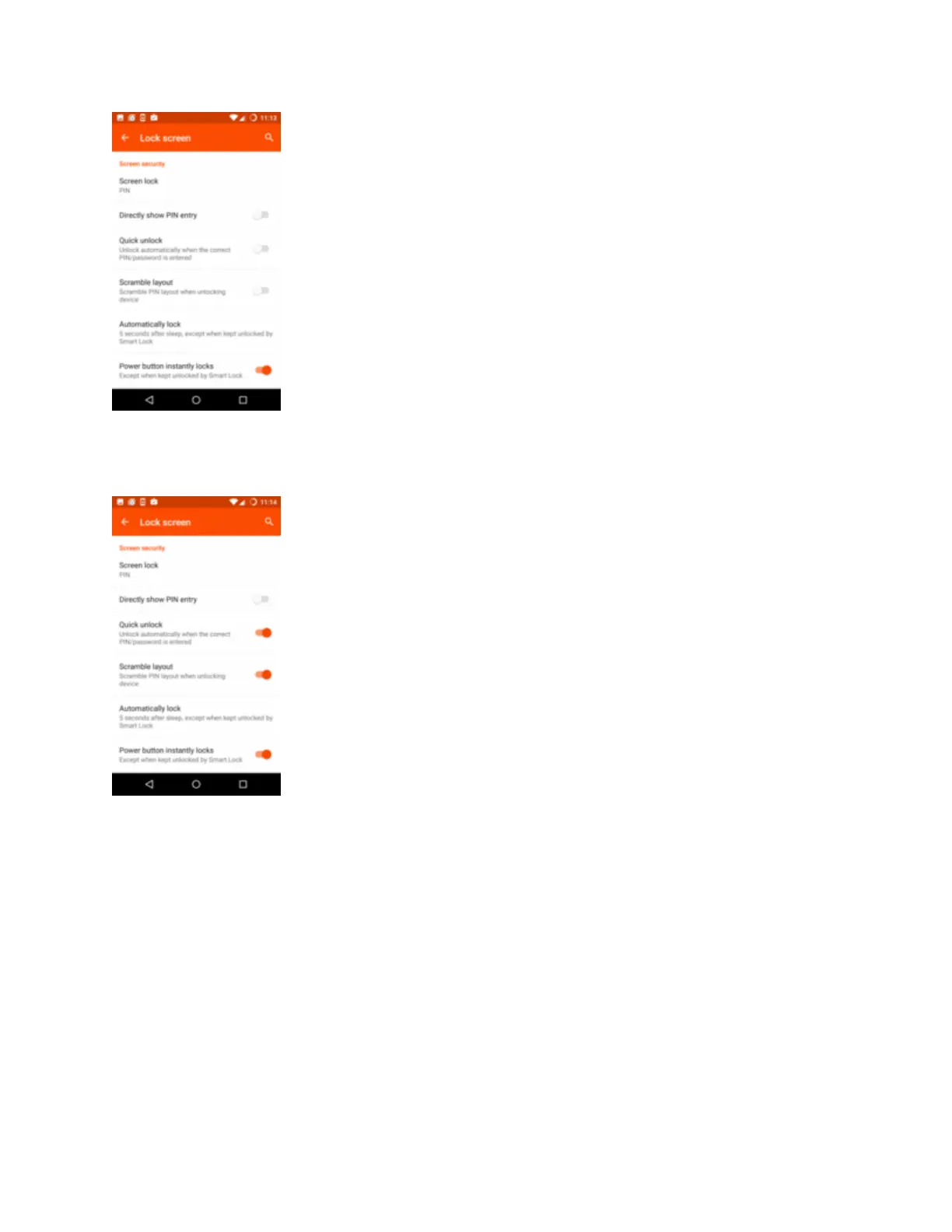
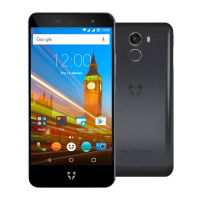
Choose the unlock method you want to use. To unlock the phone:
Swipe: swipe the lock screen. This means your phone can be unlocked by anyone, so we
recommend using one of the other options.
Knock Code: tap a pattern on the screen (it'll unlock the phone even when the screen's
off).
Pattern: draw a pattern around a grid of dots.
PIN: enter a four digit numerical code.
Password: type a word or phrase.
6.


 To Next Page