1.
Hold the Power button until you feel a vibration and the phone turns on.
2.
Choose your language and tap Next.
3.
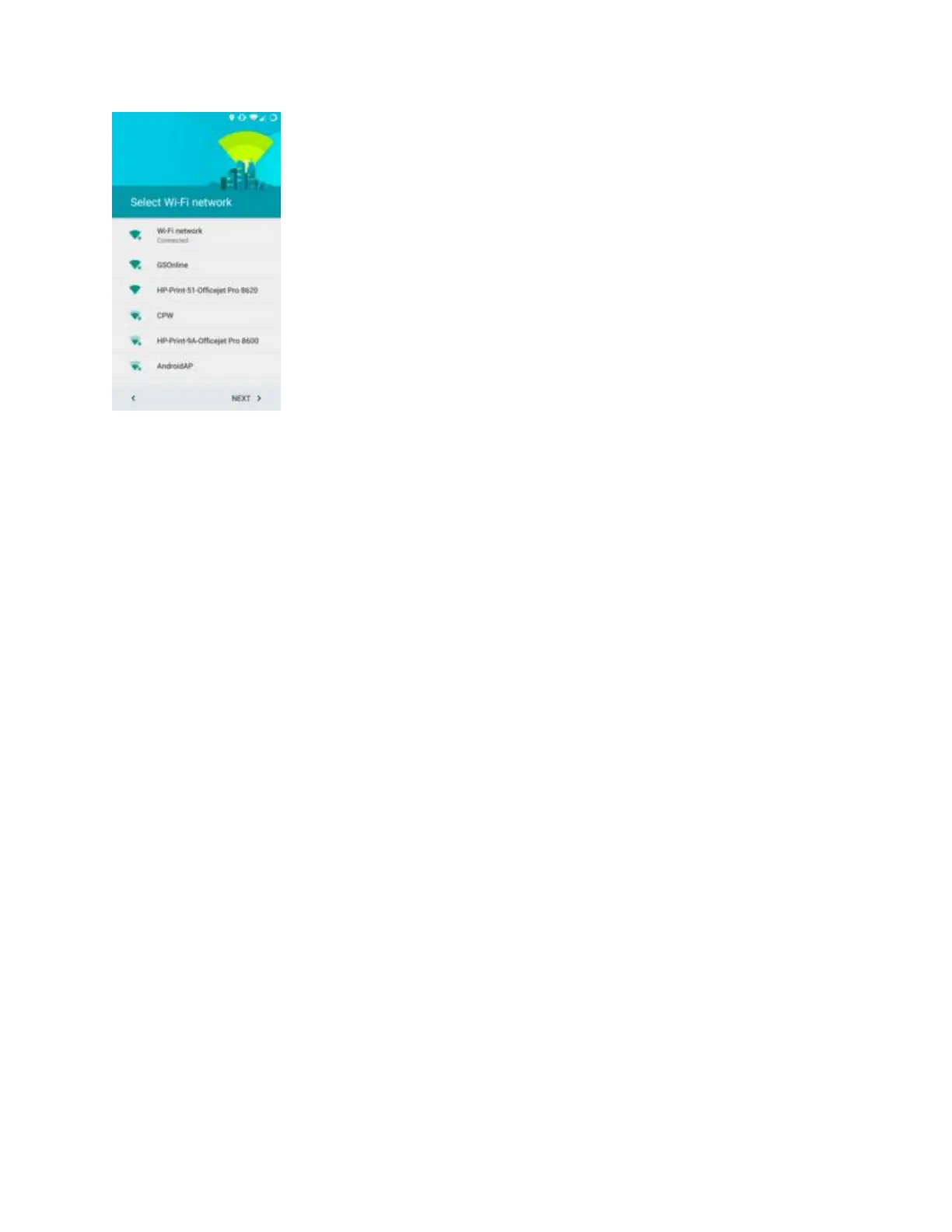
Select your Wi-Fi network from the list, or tap Skip. We recommend connecting to Wi-Fi when
setting up your phone, because if you don’t, all of the large updates that’re installed will be
downloaded using your mobile data.
4.
Enter the password. This can be found on a sticker on your router.


 To Next Page