5.
The word ‘Connected’ will appear under the network name. Tap Next to continue.
6.
Turn on mobile data by tapping the switch. This allows you to get online when you’re away from
home.
7.
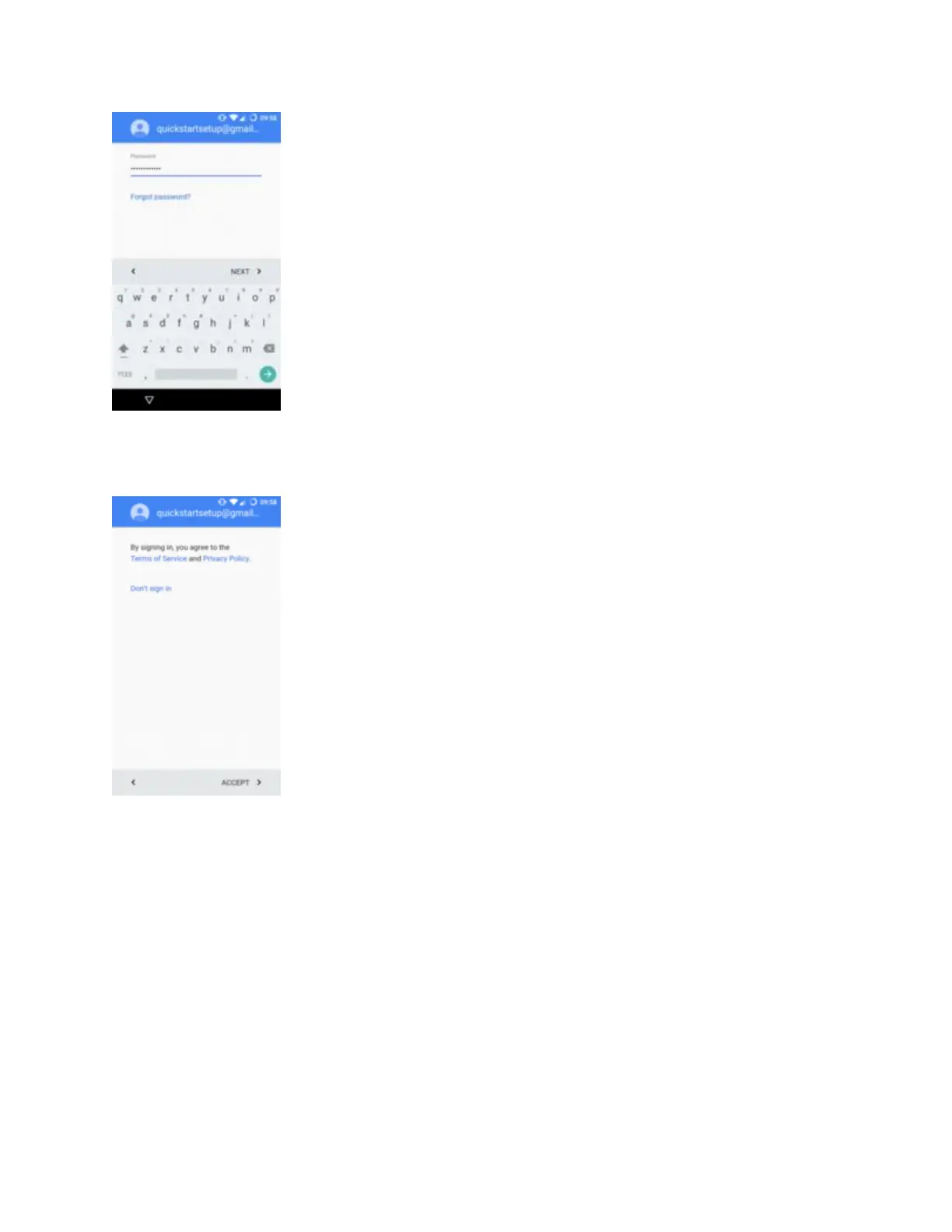
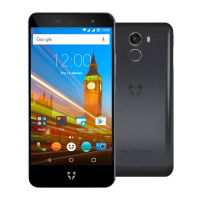
If you have a Google account, enter your account details and tap Next. If you don't, create one by
tapping Create a new account. You can use the phone without one, but you won’t be able to
download apps, so it’s worth doing.


 To Next Page