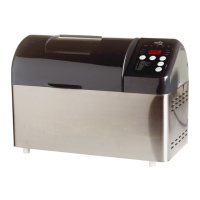
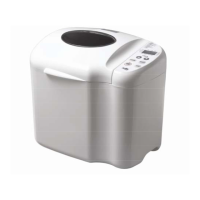
38. CRUST button
Use this to choose between 3 shades: LIGHT, MEDIUM, and DARK.
23. CHOICE button
Use this to choose between 3 different bread sizes: large (3), medium (2), small
24. CHOICE – Choose procedure as shown below:
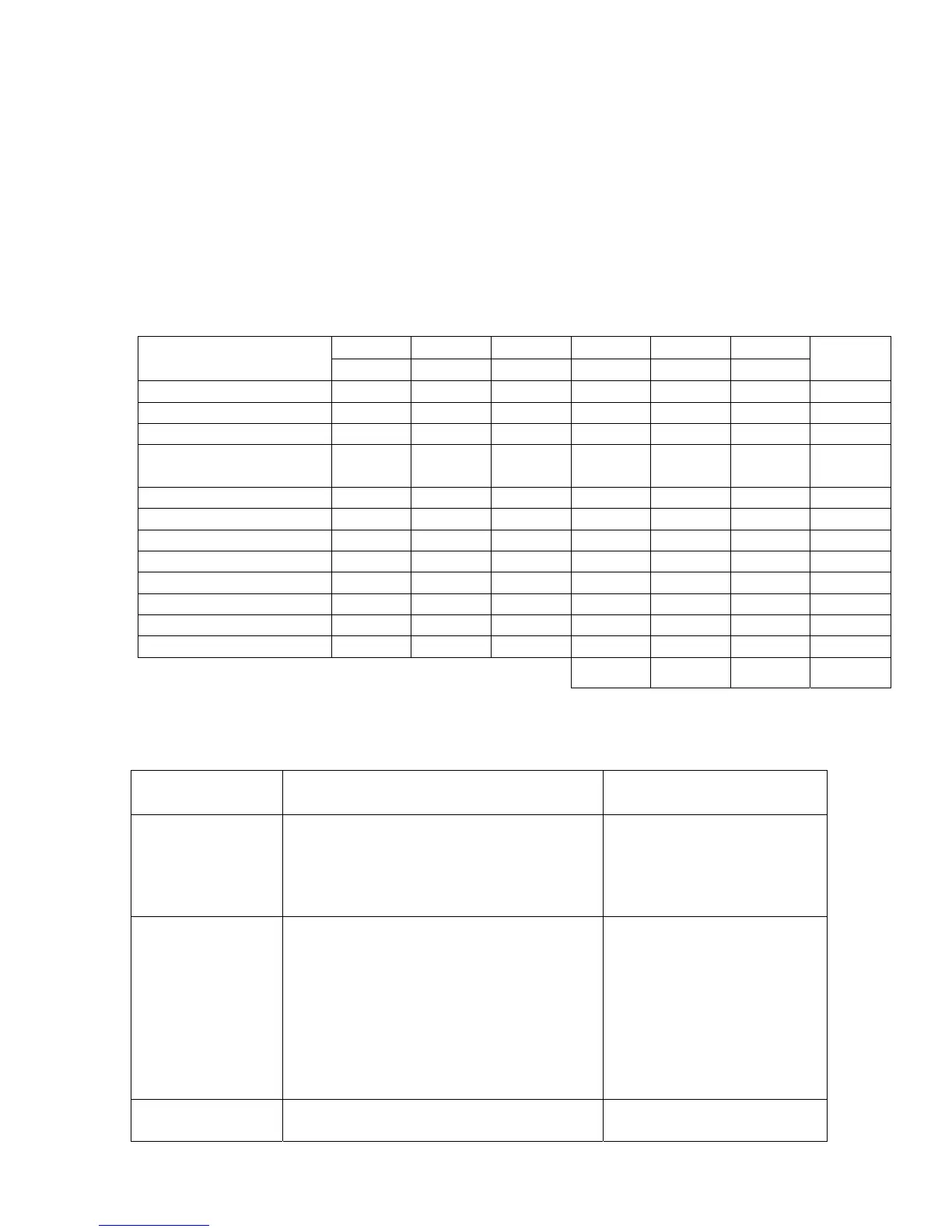
CHOICE
CRUST BREAD
CHOICE
Dark Medium Light Small Medium Large
Recipe 1-Normal C C C C C C 9
Recipe 2 – Fast C C C C C C 9
Recipe 3-Whole grain C C C C C C 9
Recipe 4 –Fast Whole
grain
C C C C C C 9
Recipe 5 – Sweet bread C C C C C C 9
Recipe 6-French bread C C C C C C 9
Recipe 7 – Cake C C C C 1 C 1 C 1 9
Recipe 8 – Jam - - - - - -
1
Recipe 9 – Bake - - - - - -
1
Recipe 10 – Pasta - - - - - -
1
Recipe 11 – Pizza dough - - - - - -
1
Recipe 12 – Dough - - - - - -
1
Total
68
Note 1: Only in small, normal, or large size
4.
4. Fault Codes and Description
Problem and
Error Code
Possible cause(s) Solution
Bread doesn’t bake
roperly
1. No kneading blade in the bread
container, or kneading blade incorrectly
fitted.
2. Motor is not functioning normally
3. Incorrect heat
1. Check that kneading blade
is correctly placed on its shaft
2. Change motor
3. Change warmer
(E:01) shows in
display window
Temperature of inside container exceeds 40
degrees Celsius on starting. Possibly caused
by starting a portion immediately after first
ortion is completed.
Inside container temperature
too high. Open lid and remove
bread container to cool down
the inside of bread maker
After panel message
disappears, place bread
container back in its container
and press START
(E:02) shows in
display window
The sensor’s electricity disappears when
sensor connection is loose or cut.
Change printed circuit board
and sensor


 To Next Page
 Loading...