20
EN
INSTRUCTION MANUAL · AIR CONDITIONER
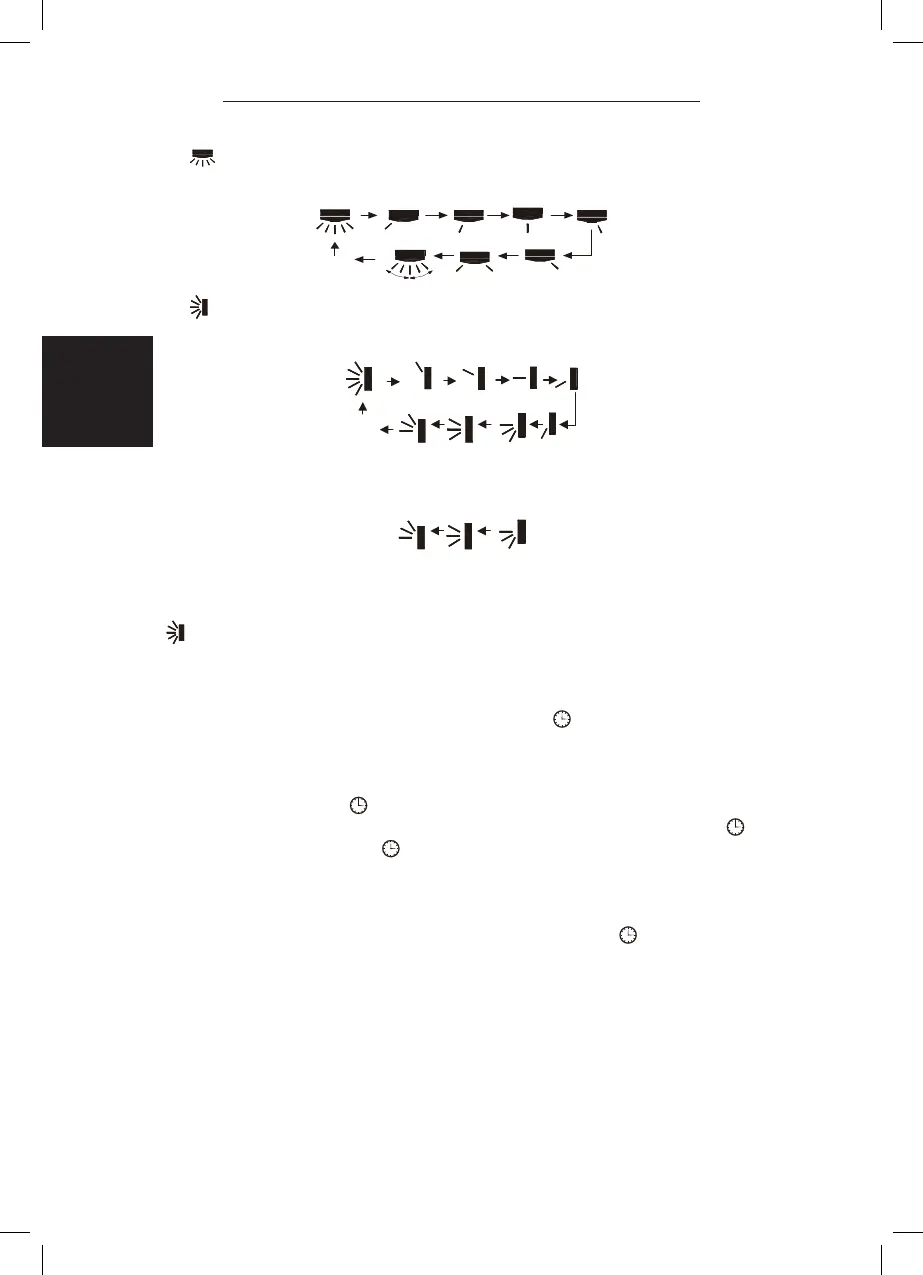
P button
Press this button to set left & right swing angle cycling as below:
{ button
Press this button to set swing angle, which circularly changes as below:
This remote controller is universal. If it receives threes kinds of following status,
the swing angle will remain original.
If guide louver is stopped when it is swinging up and down, it will remian its
present position.
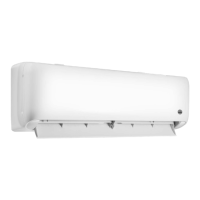
indicates guide louver swings back and forth in the ve places, as shown in the
gure.
} CLOCK button
Press this button, the clock can be set up, signal blink and display. Within
5 seconds, the value can be adjusted by pressing + or - button, if continuously
press this button for 2 seconds above, in every 0.5 seconds, the value on ten
place of Minute will be increased 1. During blinking, repress the Clock button or
Conrm button, signal will be constantly displayed and it denotes the setting
succeeded. After powered on, 12:00 is defaulted to display and signal will be
displayed. If there is signal be displayed that denotes the current time value is
Clock value, otherwise is Timer value.
q TIMER ON/TIMER OFF button
Timer On setting: Signal “ON” will blink and display, signal will conceal, the
numerical section will become the timer on setting status. During 5 seconds blink, by
pressing + or - button to adjust the time value of numerical section, every press of
that button, the value will be increased or decreased 1 minute. Hold pressing + or -
button, 2 seconds later, it quickly change, the way of change is: During 5s blink, press
the Timer button, the timer setting succeeds. The Timer On has been set up, repress
the timer button, the Timer On will be canceled. Before setting the Timer, please
adjust the Clock to the current actual time.
OFF
OFF


 To Next Page
 Loading...