Customer support:support@wimaxit.com Website:www.wimaxit.com
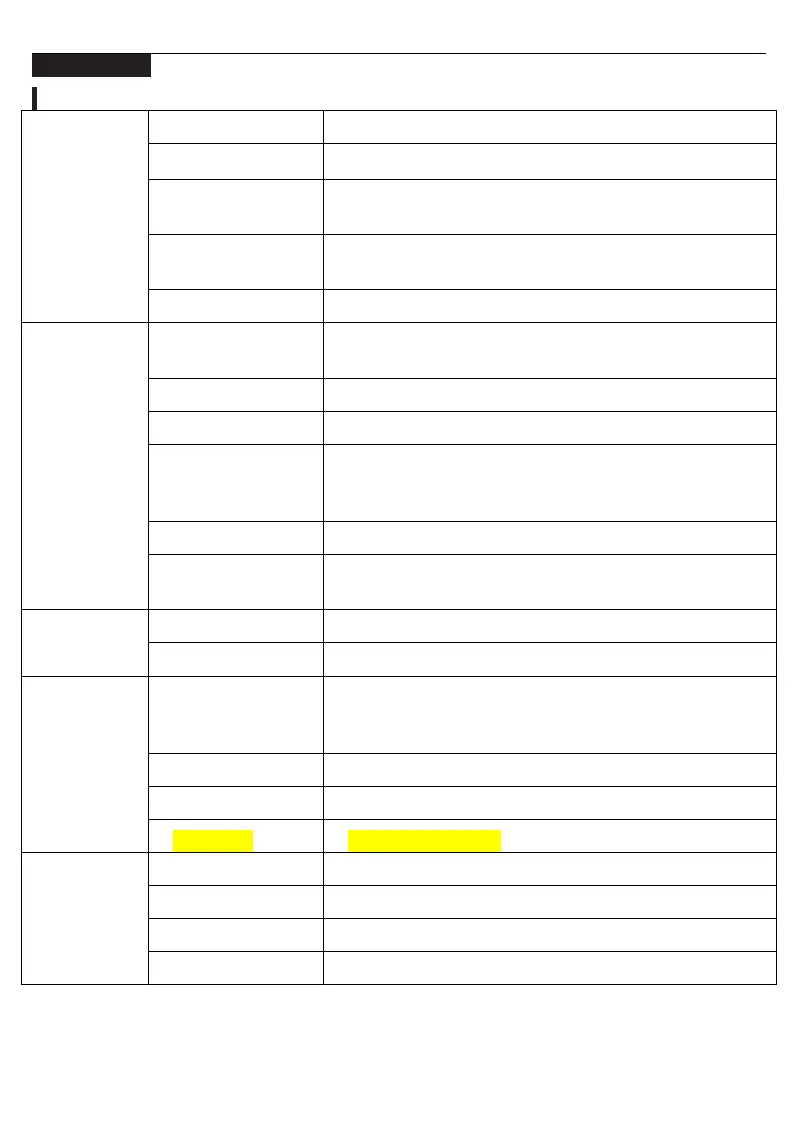
Menu Settings
Select brightness level between 1(lowest) to 10(highest)
Select contrast level between 0(lowest) to 10(highest)
Select View Mode Settings (Standard, Game, Movie,
Photo, Vivid, User)
Dynamic Contrast Ratio (ON or OFF). Selecting ON will
allow higher contrast ratios
Select sharpness level between 0(lowest) to 4(highest)
9300k(coolest), 6500k(cool), SRGB (standard Red Green
Blue), User (custom RGB value)
Select hue levels 0 to 10
Select Saturation levels 0 to 10
Levels 0 to 10. Low Blue Light Technology reduces the
emission of harmful low-blue lights on a display in order
to prevent eye fatigue.
Select Color Gamut from the following (SRGB, ADOBE,
User, NATIVE)
Select loudness levels 0 to 10
Select ON (muted) or OFF (unmuted)
Select language (English, Simplified Chinese, Traditional
Chinese, Deutsch, Le Francis, Italia, Spanish, Japanese,
Russian, Korean)
Select from the following (OFF, AUTO,2084)
Reset all settings to factory default
Select USB1 or USB2 when HDMI connected


 To Next Page