support01@wimius.com
EN 12
STARTING PROJECTOR
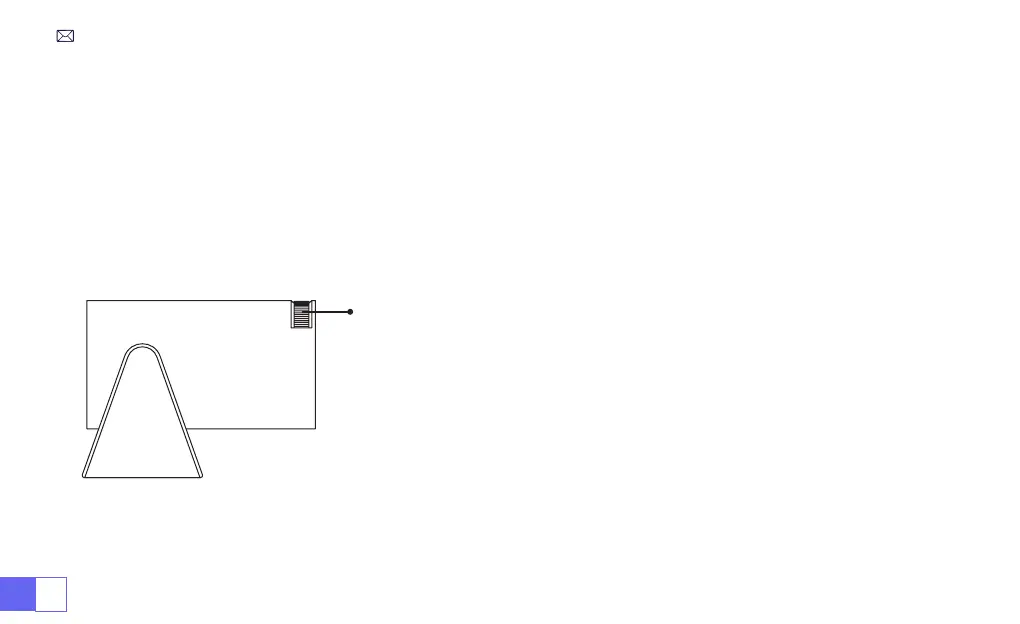
IMAGE FOCUS ADJUSTMENT
Turn on the projector:
Connect to the power cable, when the red indicator light is on, press the power key on the
remote control or power button on the panel to start the projector, the indicator turns from the red to blue, the
projector is on.
Turn off the projector:
Press the power key on the remote control or power button on the panel to turn off the
projector, the indicator turns from the blue to red, the projector is in shut down.
Place the projector lens perpendicularly to the projection screen or curtain
wall, and adjust the focus adjustment roller until the image is clear.
Note:
If it is still blurry, please try to adjust the projection distance and
projector placement.
Manual focus



 To Next Page