support01@wimius.com
EN 14
2.Wireless Connection
2.1 For iOS Cast (Airplay)
Attention:
Ensure that your iOS device is connected to the same Wi-Fi network as your projector.
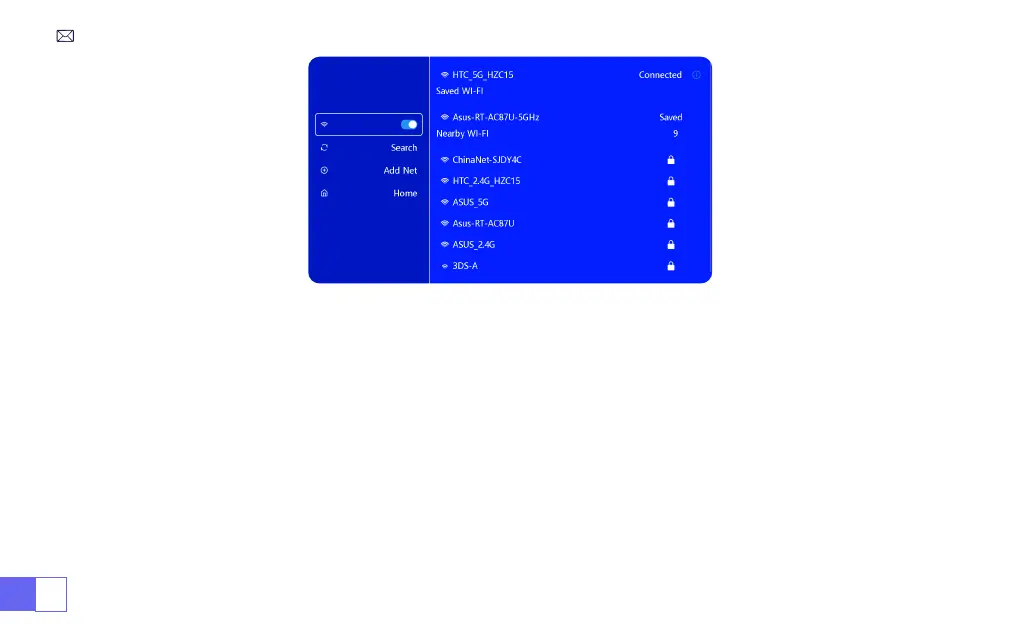
1.Connect the S27 projector to your WiFi network
2.Back to home page-- Select [ Wireless screen ] menu -- Stay on this interface
3.Access the [ Control Center ] on your iOS device -- Select the [ Screen Mirroring ] function -- Select and connect
the iOS Cast receiver named [ WiMiUS-S27-XXXX ] -- iOS device screen will be mirrored and displayed on the
projection screen.



 To Next Page