support01@wimius.com
EN 16
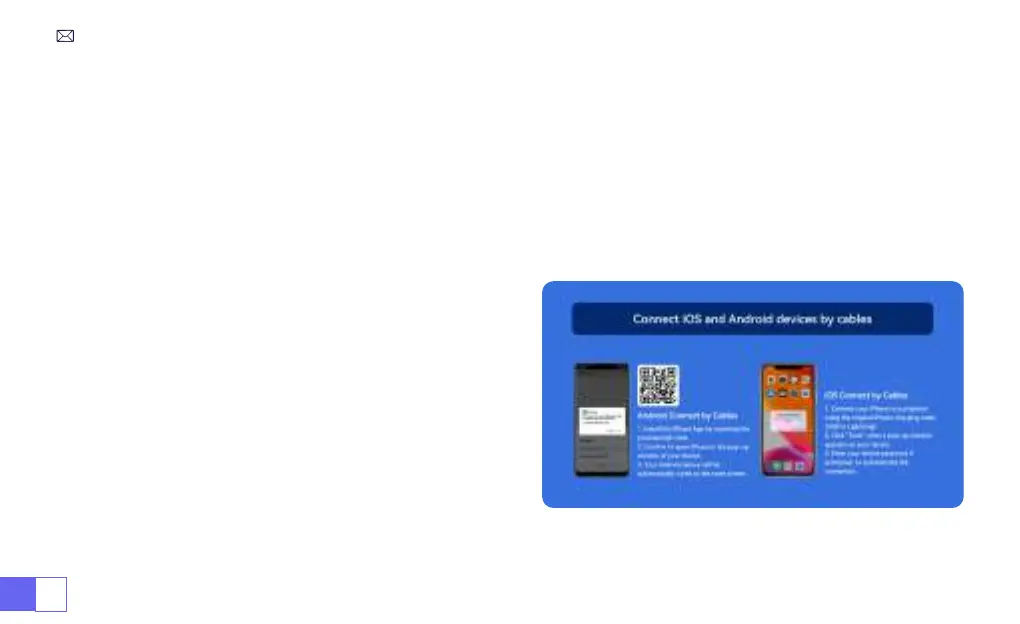
1.Install the Elfcast App rst by scanning the provided QR code.
2.Conrm to open Elfcast in the pop-up window of your device.
3.Enter your device password if prompted, to authenticate the connection.
4.Your Android device will be automatically wired to the same screen.
1.Connect your iPhone to a projector using the original
iPhone charging cable (USB to Lightning)
2.Click "Trust" when a pop-up window appears on your
device.
3.Enter your device password if prompted, to authenticate
the connection.
3.Wired Screen
3.1 Android Connect by Cables
3.2 iOS Connect by Cables



 To Next Page