support01@wimius.com
EN 18
1)Insert the USB ash disk into the USB port of the projector.
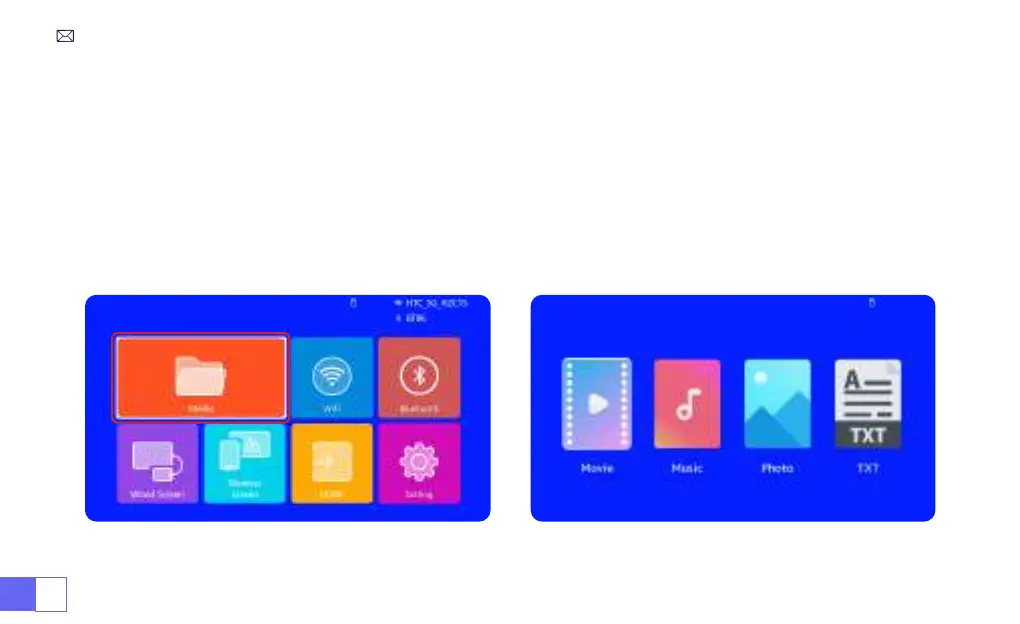
2)Select “Media” and the press the "OK" key to enter
3)Depending on the le type, select the option [Movie/Music/Photo/Book]
4)Select the desired le and then press the [OK] button to play it.
5)Click “MENU” button on the remote while playing video to adjust the picture settings directly.
5.Multimedia Play
5.1 USB Disk Input Mode



 To Next Page