1
)
Programming the Carryout
Antenna
The Carryout antenna comes factory pre-set for DIRECTV
®
.
DISH
®
users should follow the steps shown below.
DIRECTV users can skip to Wiring the Carryout Antenna.
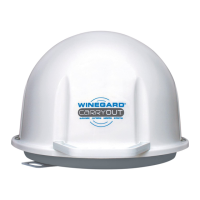
First you’ll need to identify
the electronics box on
the Carryout antenna.
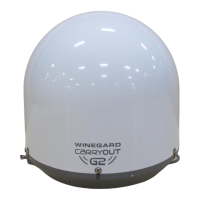
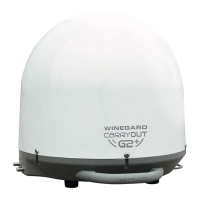
After removing the dome,
you will find the main
electronics housing
located directly behind the
reflector.
On the side of the electronics board, you will see dip-switches that control
what service provider the Carryout antenna is set for. It is factory pre-set for
DIRECTV with
the 8th switch
down
.
Factory pre-set for DIRECTV
DISH settings
To set for DISH,
push the 4th
and 7th switches down,
and leave the 8th down.
There are additional switch options shown in the Carryout manual
for alternate DISH settings or Bell TV
™
settings.
Connect the supplied power cable
to the quick disconnect socket.
Connect a coax cable from the
primary receiver to the main port.
If applicable, connect a second
coax cable from the secondary
receiver to the secondary port.
The coaxial cable needs to run
DIRECTLY from the
Satellite In
port on the back of the Satellite
Receiver. If wiring through a wall plate
on the side of the coach, consult
Using Outside Receptacle
steps on back.
2
)
Wiring the Carryout Antenna
Before plugging in power, be sure that your satellite receiver is set up
for use with the Carryout antenna, as shown inside this guide.
The power plug needs to be
connected to a 12V power source
- or -
connect to an AC to DC
power converter
(like GM-1200 below).
Then, plug converter
into 110V outlet.
If using a Power Converter, it must be able to supply up to 5 amps of current.
Front
Back
Carryout
plug


 To Next Page
 Loading...