Select 3-LNB (18”x20”) or 3
Satellites. If given the option
of SWM or Multi-switch, select
Multiswitch.
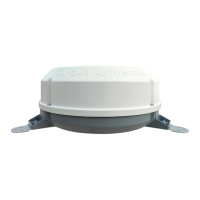
Now power on the Mission
antenna, and allow it a few
minutes to acquire signal.
(After the search routine is
complete, the in-motion antenna
will take another 6 minutes
before going into “Sleep Mode”.
Once it does, the unit will be completely silent.)
If you want to check signal strengths, choose Signal Strength from the menu
options before returning to this screen.
Now, press Continue.
Your installation will be verified.
You may be required to press the
DASH (-) before proceeding
(underneath #7 on the remote).
Continue with step 7 on the next page.
5
6
4
Mission Antenna 12
DIRECTV Receiver Setup



 To Next Page
 Loading...