11
PAIRING
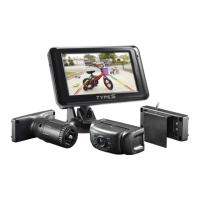
The Type S Backup Camera (Camera 1) included with this Expandable System is already paired with
the monitor. If you can not see the Camera image, pair the Camera with the following steps:
1. Turn on your vehicle and place in reverse gear. This will power the Monitor and the Camera.
2. On the monitor:
a. Press “Menu”
b. Go to “Pair Camera” and select “Camera 1”
c. Press “Parking Aid line” to conrm
d. The unit is now in pair mode - if the monitor is able to connect with the camera, the
display will show “Pair OK”.
If no camera is found, then the display will show “Pair Fail”. If you receive a “Pair Fail” message,
please call our technical support to assist in troubleshooting.
Camera 2 is designated for a Type S Add-On Camera. To pair a Type S Add-On Camera to your existing
system:
1. Turn on your vehicle. This will power the System.
2. Power on your Type S Add-On Camera
3. On the monitor:


 To Next Page
