EasyManua.ls Logo

Wintec Anypos30 - User Manual

Wintec Anypos30
10 pages
Print Icon
To Next Page IconTo Next Page
Loading...
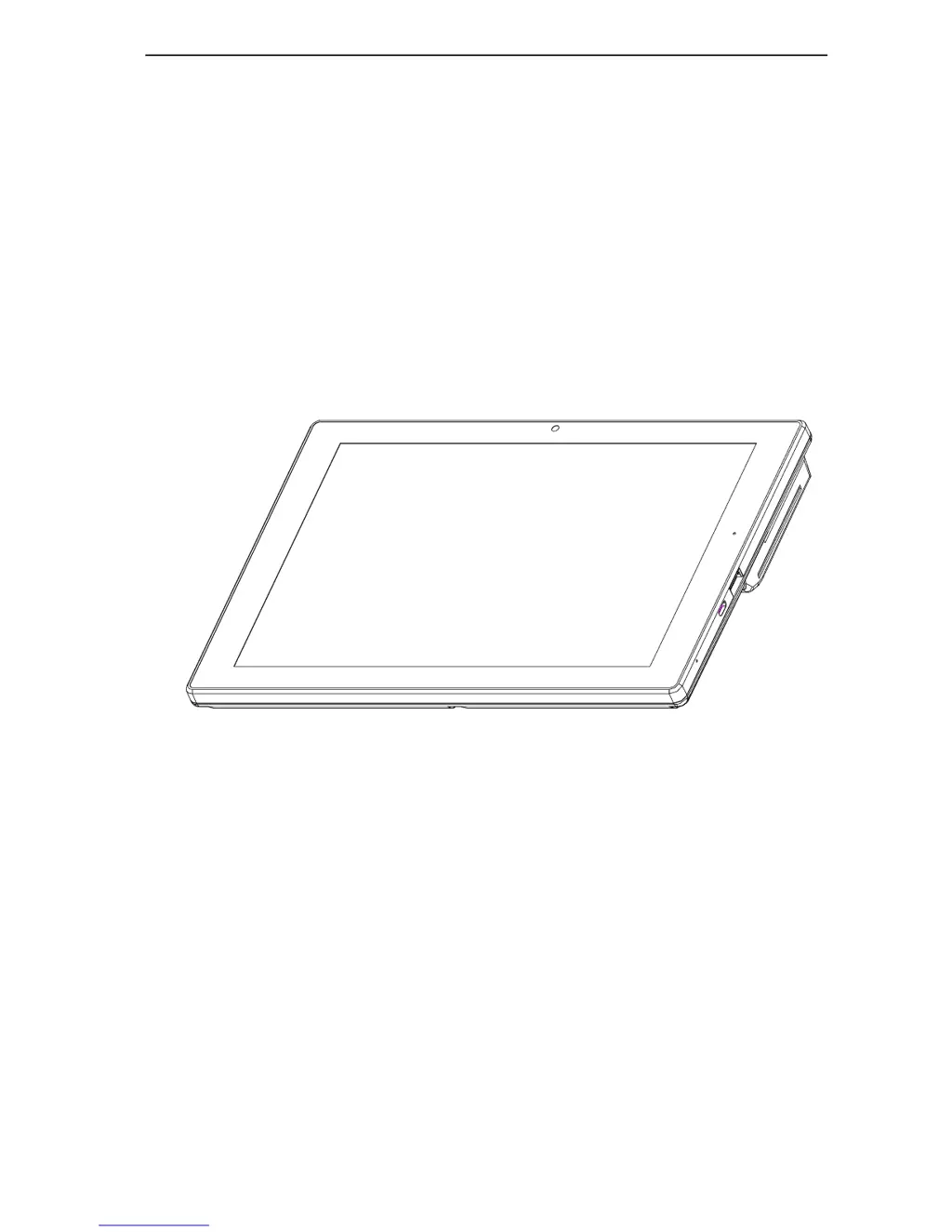
Anypos30
User Manual
QINGDAO WINTEC SYSTEM CO., LTD

Questions and Answers

Summary

About the Product

Packaging List

Lists items included after unpacking the carton.

Outward Diagram

Front View

Details the components visible on the front of the Anypos30 terminal.

Side View

Back View

Illustrates and describes the components on the rear of the Anypos30 terminal.

Bottom View

Boot and Charging Operation

Instructions for powering on/off the device and connecting the charger.

Install the Printer Paper

Instructions for 3 G

Software Testing

QRCodeReader Testing

Instructions for testing one-dimensional/two-dimensional code scanning using PadposDemo.

Printer Testing

Steps to test the printer functionality using the PadposDemo software.

MSR Testing

Guide to testing the Magnetic Stripe Reader (MSR) functionality.

RFID Testing

Procedures for testing the Radio Frequency Identification (RFID) module.

Trouble Shooting

Common Hardware Problems

Lists common hardware issues and their suggested solutions for the Anypos30.

Use and Storage Conditions

Specifies recommended temperature and humidity ranges for using and storing the device.

Wintec Anypos30 Specifications

General IconGeneral
BrandWintec
ModelAnypos30
CategoryTouch terminals
LanguageEnglish