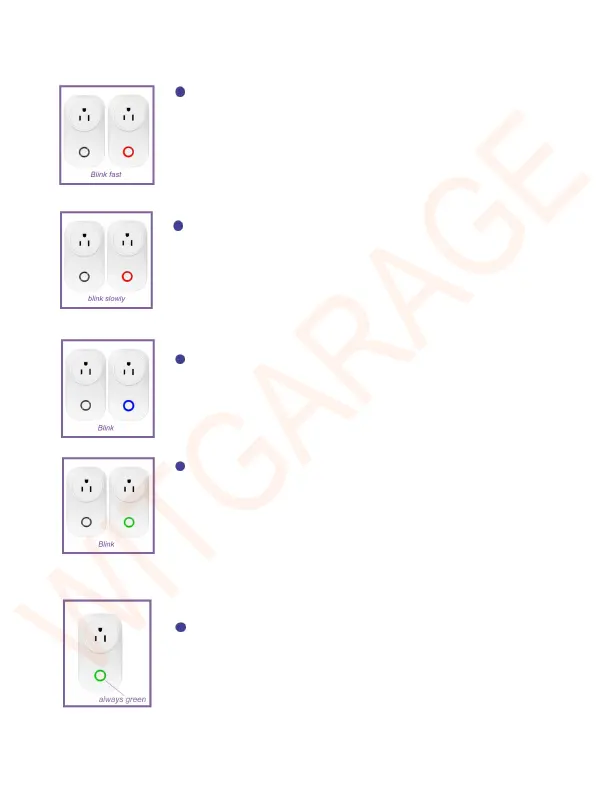
Led indicator blinks fast with red color
The Wi-Fi setting of GD801C has not been
configured and the mode is “Smart config”.
Led indicator blinks slowly with red color
The Wi-Fi setting of GD801C has not been
configured and the mode is “AP Mode”.
Led indicator blinks with blue color
The GD801S has not been bound to GD801C.
Led indicator blinks with green color
The Wi-Fi setting of GD801C has been
configured but it can’t connect to internet,
please check your router.
Led indicator is solid green
The WitGarage device works normally after


 To Next Page