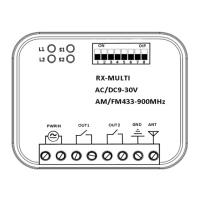
!
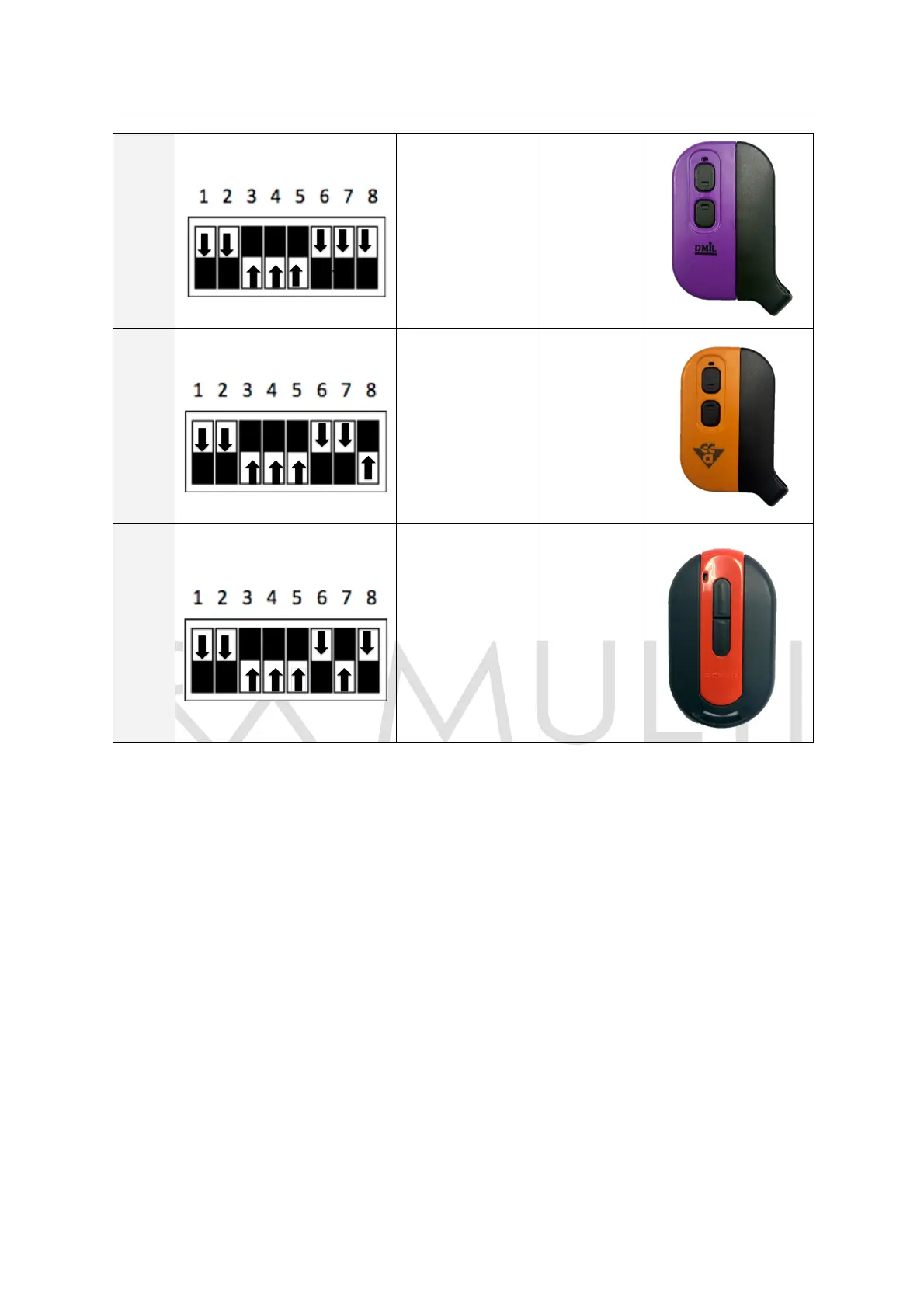
NOTA:!Para!dar!de!alta!el!mando!de!la!marca!FAAC!en!el!RX!MULTI!seguir!los!siguientes!pasos:!
1G!Presionar!al!mismo!tiempo!los!canales!2!y!3!del!mando!de!FAAC,!el!mando!comenzará!a!parpad ear.!
2G!Presionar!en!el!RX!MULTI!el!canal!donde!se!grabará!el!mando.!El!led!se!queda!fijo.!
3G!Presionar!varias!veces!el!botón!del!mando!de!FAAC!que!quiera!grabar.!
!
NOTE:!To!programme!a!FAAC!rem o te!in!the !RX !M UL TI!ple ase !follow !the !ne xt!step s:!
1G!Press!at!the!same !time !cha nn els!2!and!3!on!the!FAAC!remote,!the!remote!LED!w ill!start!flashing.!
2G!Press!in!the!RX!MULTI!the!channel!where!you!want!programme!the!remote.!The!LED!stays!fixed.!
3G!Press!several!times!the!button!of!the!FAAC!remote!you!want!to!programme.!


 To Previous Page
 Loading...