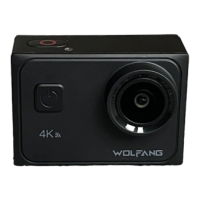
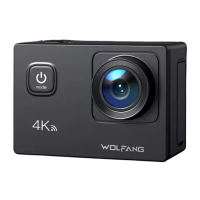
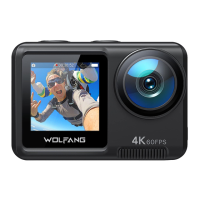
Working
Indicator
1. While recording a video, LED continuously flashes.
2. When taking a photo, LED quickly flash 3 times.
Indicator light
Charging
Indicator
Wi-Fi
Indicator
1. While charging, LED is bright (Red).
2. Charge fully, LED is off.
When the Wi-Fi opens, LED continuously flashes.
1. Long press Power key to open the camera.
2. short press to open/off the Wi-Fi.
3. While in boot state, long press power key to shut down.
Button Instruction
Power/Wi-Fi
Button
OK Button
Mode
Button
1. Shutter function while Video/Photo mode.
2. Long press into menu setting while video/photo
interface, touch screen to select, or short press to
confirm for the current option.
3. Video playback status, press to Pause/Play.
1. Short press to switch setting option when in setting
interface.
2. Short press to change mode from photo or video.
3. In preview status,long press to switch the screen.
2


 To Next Page