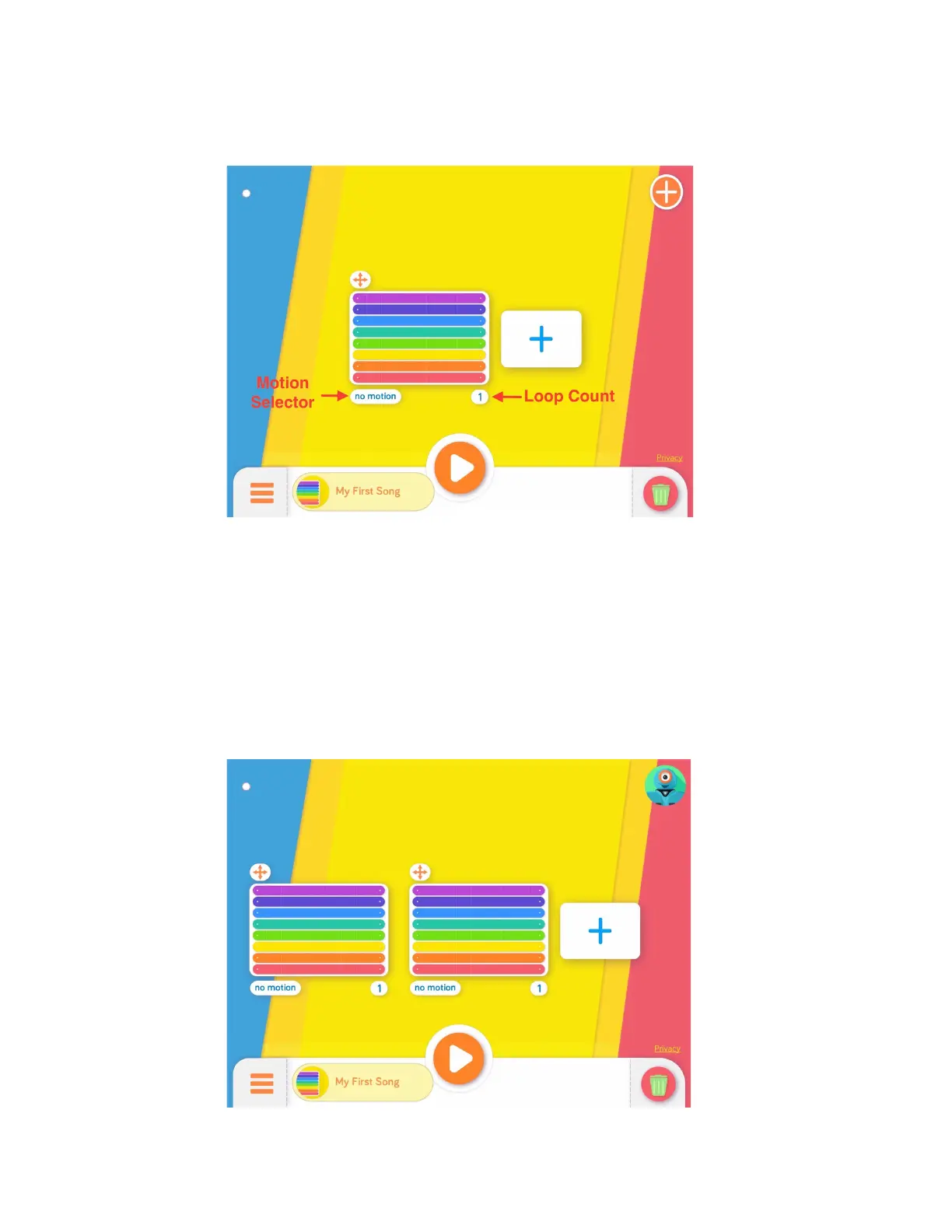
5. LoopingaMelody
a. TapthenumberunderneaththelowerrightoftheNoteStafftochangethe
numberoftimesthemelodywillrepeatduringplayback.
b. Amelodycanbelooped14times.
6. AddingMotiontotheMelody
a. TapthebuttonunderneaththelowerleftsideoftheNoteStafftomakeDash
moveeachtimethemelodyislooped.Choosefromfourdifferentmotionoptions.
7. CreatingaSong
a. Tapthe“+”buttontoaddanewNoteStafftocreatelongersongs.
b. TheentiresongwillplaywhenthePlayButtonistapped.
c. TapanywhereoutsidetheNoteStaffstostopplayback.



 To Next Page