DownloadtheApps
Wonder(https://www.makewonder.com/apps/wonder)
Xylo(https://www.makewonder.com/apps/xylo)
SettingUpDash
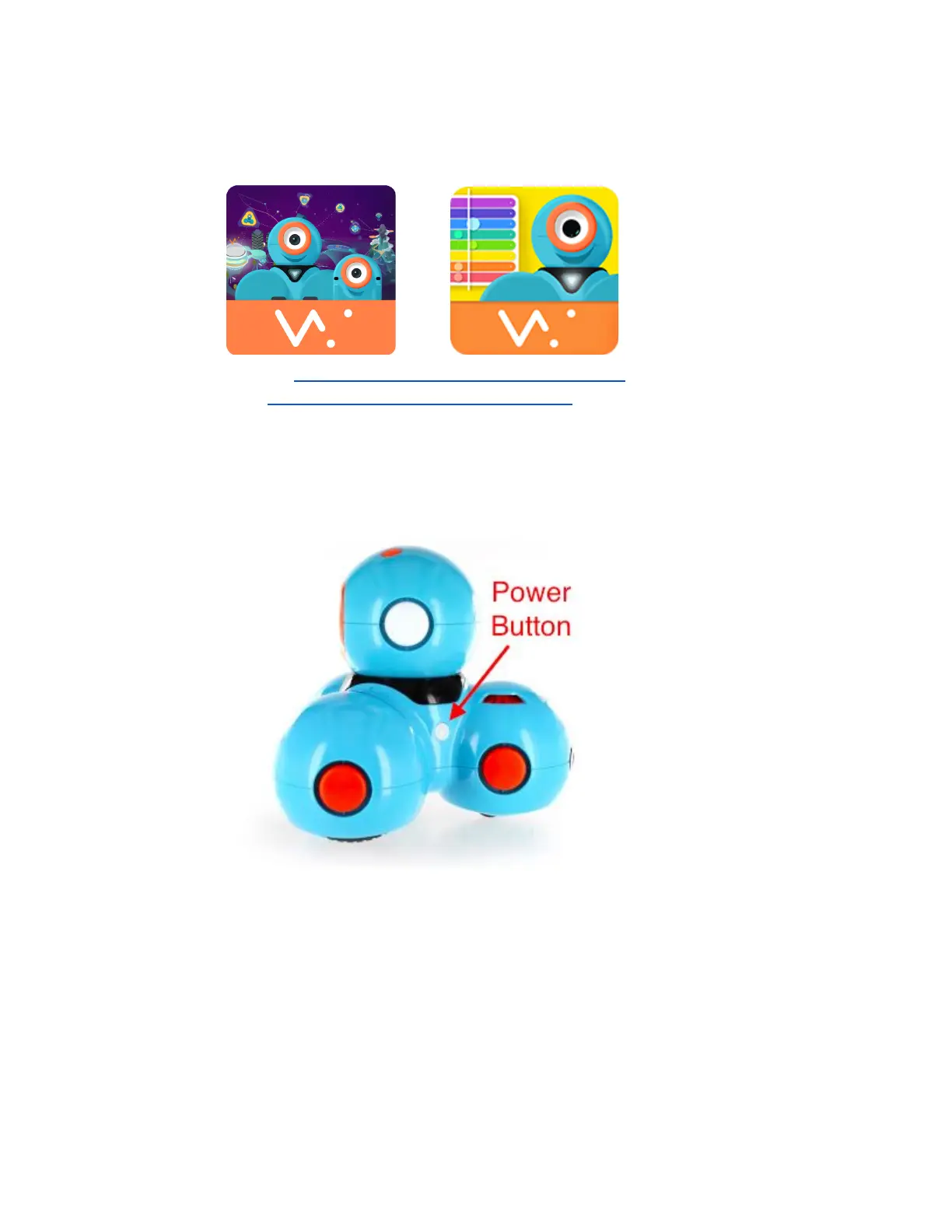
1. ThepowerbuttonislocatedontheleftsideofDash.
2. WhenDashisturnedon,thepowerbuttonwillbeilluminated.
a. Iftheilluminatedpowerbuttonisnotblinking,Dashisreadytoplay.
b. Iftheilluminatedpowerbuttonisblinking,Dashneedstobecharged.
3. ChargingDash
a. Typicalchargetime,usingmosttabletUSBwallchargers,isabout6090
minutes.
b. UsetheincludedmicroUSBcabletochargeDash.
c. ThechargingportislocatedontherightsideofDash.



 To Next Page