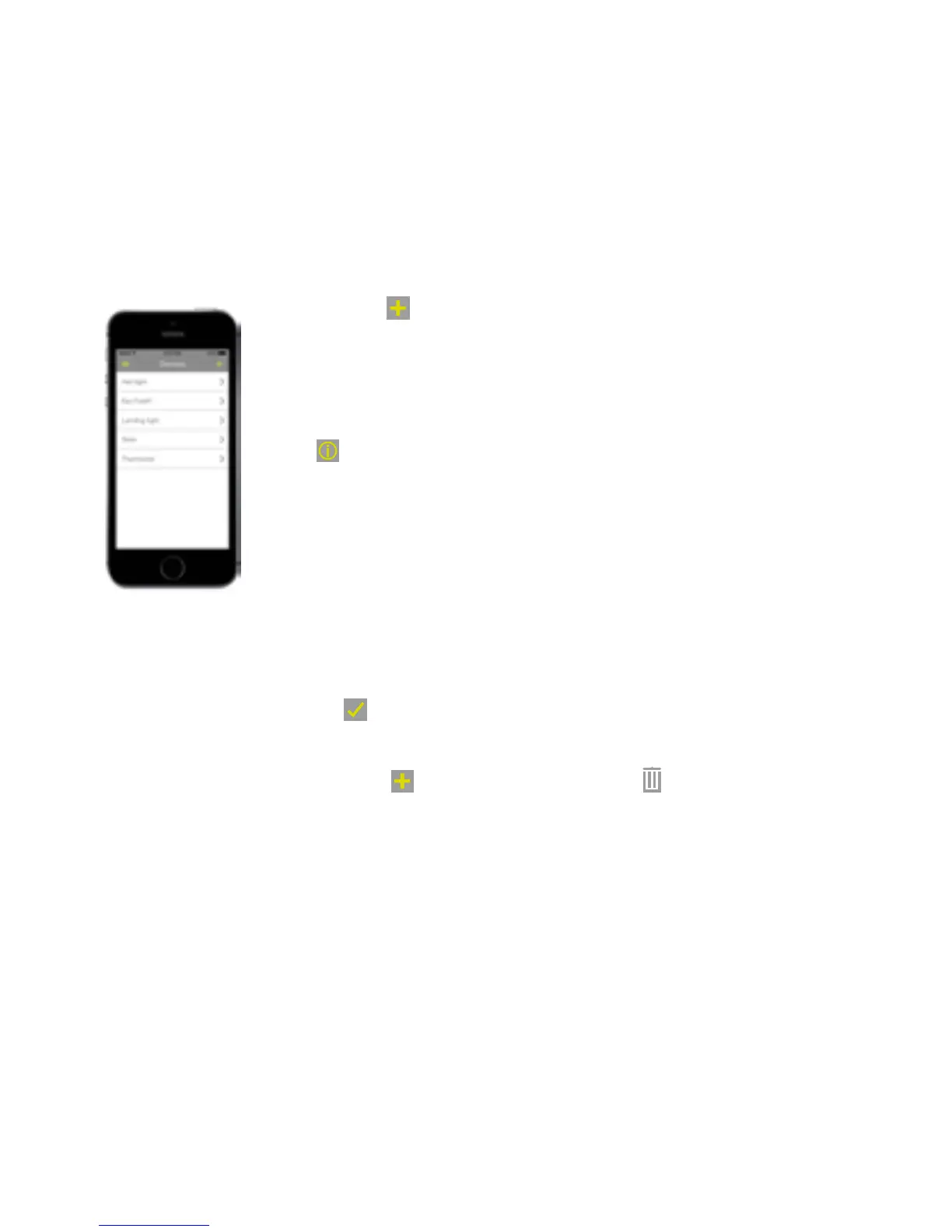
Devices: The Devices page displays list of your devices. To add another
device, press
. (See the Connecting section).
To view and edit device in the list, touch the device name to display
status information, or set the Home/Away/Sleep mode behaviour
(light switches only).
Press
to show device information, change its name and location or
to delete the device. Press Save if you make any changes.
Notifications: The Notifications page displays list of any system notifications e.g.
alarms.
The notifications can be filtered by type, and acknowledged by
pressing
.
Locations: The Locations page lists all the locations of devices in your Wondrwall
system. Press
to add new location, or
to delete location.
39


 To Next Page
 Loading...