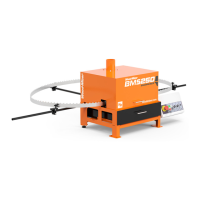
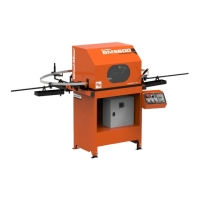
Blade Installation
WM doc 1/20/21 5-3
5
5.2 Blade Installation
Before installing a blade, use the jog switch to move the pusher into the highest position
that allows the blade to be installed.
Install a blade:
1. Uncoil a blade and position it above the three support assemblies around the sharpener.
2. Check to be sure the teeth on the portion of blade that will be under the grinding wheel
point to the right as you face the sharpener. See Fig. 5-1. If not, remove the blade and
invert it.
3. Position the blade outside of the left and right blade support posts. See Fig. 5-1.
4. Position the blade inside of the rear blade guide wheel. See Fig. 5-2.
5. While supporting the motor:
a. Remove the wing nut that attaches the top rod end to the motor mount.
FIG. 5-1
FIG. 5-2


 To Next Page
 Loading...