Simple Set PID Settings
8
8-4 WMdoc122320
3. Release the Manual button, then release the UP button.
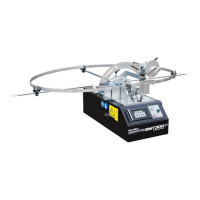
The Simple Set control panel will display the Speed setting.
See Figure 8-3.
4. Press the Auto button several times until PGain, DGain and IGain settings appear.
5. Use the Up /Down buttons to set the settings to the required values.
IMPORTANT! The PID settings are factory-set and they should not be
changed. If necessary, set the PID settings to the following values:
PGain 1.0, DGain 0.0 and IGain 0.0.
6. Press the Manual button to return to the main menu.
FIG. 8-3
3H1128
Scroll Up/Down
Display
Manual
Auto



 To Next Page
 Loading...