5
Pairing
In your phone’s app store, search for “VeryFit Life” and install it. In the app interface, set
your personal information, as well as your daily step and weight goals.
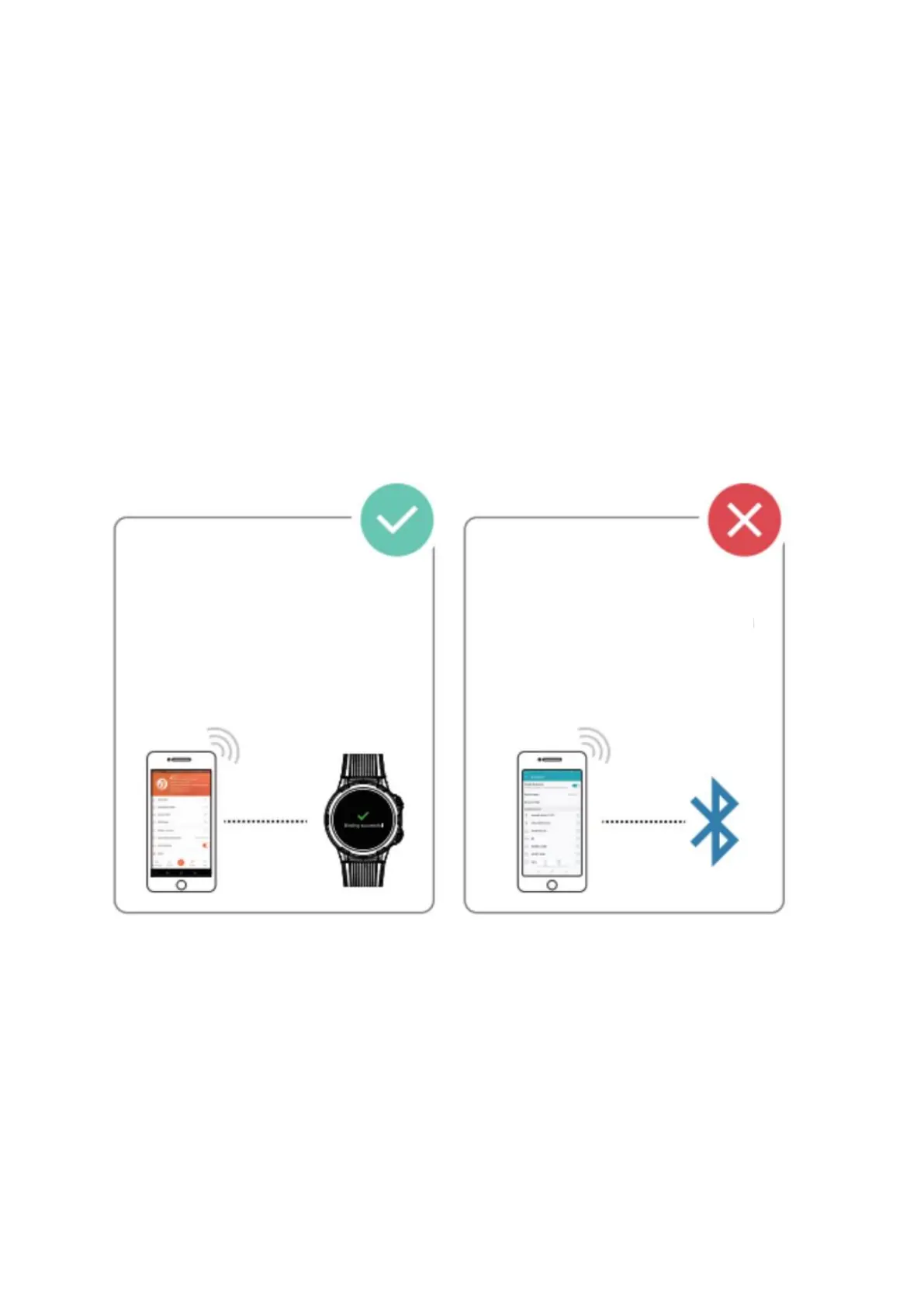
In order to bind the watch to your phone, start VeryFit Life app, enable Bluetooth on
your phone and when asked, grant VeryFit Life the permission to use GPS. Light up the
watch screen and bring it closer to your phone. Tap “More” icon in the upper right
corner, select “Add Device”, select the device category, and select the device you wish to
link in the corresponding search list. Then confirm the binding request on the watch and
fill in your information in the app, if you didn’t do it before.
Please connect to mobile phone correctly.


 To Next Page