05
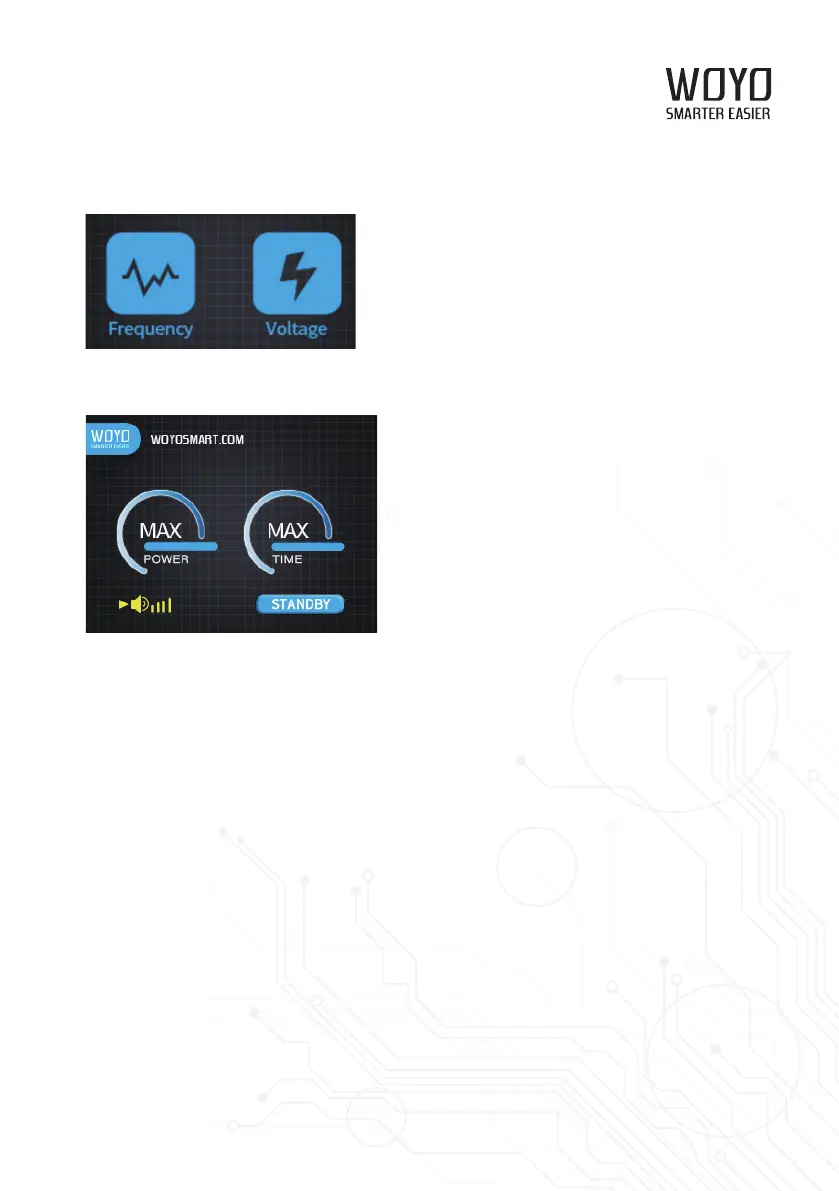
2.3 The machine is standby and ready to use when input frequency and voltage are applicable.
3.Standby
Turn the rotary knob to select your expected parameter sign. Press the rotary knob, there will
appear a triangle sign, indicates the current parameter is available to set when you turn the rotary
knob. Press the rotary knob again, the triangle sign disappeared indicates that the machine
recover to the parameter selection state again.
Parameter Range
3.1 Power: OFF, 10%, 20%, 30%, 40%, 50%, 60%, 70%, 80%, 90%, MAX
3.2 Time: 1.0S, 1.5S, 2.0S, 2.5S, 3.0S, 3.5S, 4.0S, 4.5S, 5.0S, MAX
3.3 Triangle sign: Indicates the current parameter is selected and available to preset when you
turn the rotary knob.
3.4 Volume: 0, 1, 2, 3, 4



 To Next Page