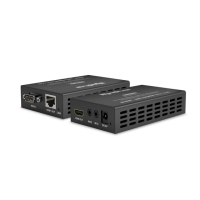
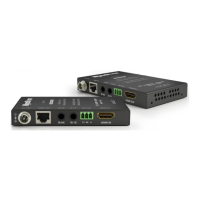
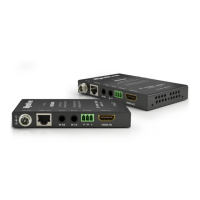
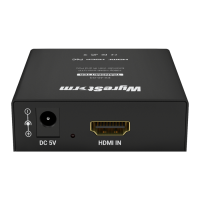
6ii. Panel Description - EX-1UTP-IR-50-POH Transmitter
PANEL DESCRIPTION - TRANSMITTER
10
9
8
3
6
1
4
7
2
5
8
9
10
EDID Management - see Transmitter EDID Settings
for details (section 9)
IR RX Input – 3.5mm IR Receiver placed at display
location to remotely control the source device.
IR TX Output – 3.5mm IR Transmitter connecting to
source device for control from display location.
Signal LINK status – LED lit when signal detected
HDBaseT OUTPUT
Power indication – LED lit when powered
12v Power Input
Ground Point
HDMI INPUT
EDID DIP Switch settings printed on base of
Transmitter
1
2 3
4
5
6
7
12


 To Next Page
 Loading...