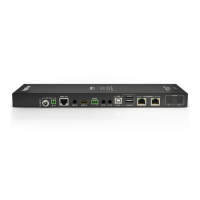
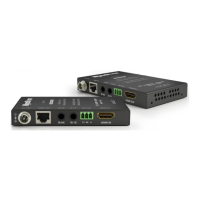
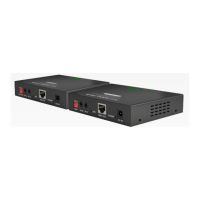
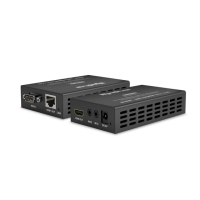
Transmitter (TX)
Front Panel
Rear Panel
Front Panel
Rear Panel
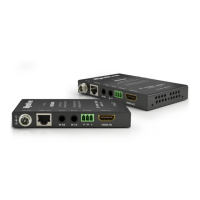
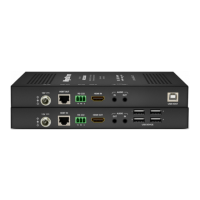
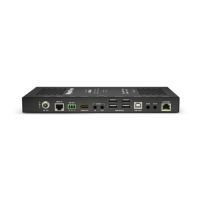
Receiver (RX)
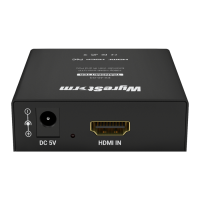
Power Input
5.5mm Screw Down Barrel Jack
Connect to the included power supply.
HDMI In
19-pin type A HDMI female
Supports HDMI and DVI/D with adapter
UTP Out
8-pin RJ-45 female
Connect the UTP In on the receiver (RX)
UTP In
8-pin RJ-45 female
Connect the UTP Out on the receiver (RX)
USB 5V
BackUp Power
USB Mirco. Connect to USB power when PoC
cannot be used
HDMI Out
19-pin type A HDMI female
Supports HDMI and DVI/D with adapter
C
Long Cable Mode
Extends the distance of the AV transmission
past the normal operating distance of
30m/98ft. Refer to Long Cable Mode section
for more details
Copyright © 2019 WyreStorm Technologies | wyrestorm.com
EX-40-G3 Quickstart Guide | 190121
UK: +44 (0) 1793 230 343 | ROW: 844.280.WYRE (9973)
support@wyrestorm.com
2 of 4
BA
BA
BA
B CA
Troubleshooting
No or Poor Quality Picture (snow or noisy image)
• Verify that power is being supplied to the transmitter and receiving device.
• Verify that all HDMI and UTP connections are not loose and are functioning
properly.
• Verify that the HDBaseT cable is properly terminated following EIA568B
standard.
• Verify that the output resolution of the source and display is supported by
this extender.
• If transmitting 3D or 4K, verify that the HDMI cables used are 3D or 4K rated.
No or Intermittent 3rd party Device Control
• Verify that the IR and RS-232 cables are properly terminated following the
Wiring and Connections section.
Troubleshooting Tips:
• WyreStorm recommends using a cable tester or connecting the cable to
other devices to verify functionality.


 To Next Page
 Loading...